HR Helpdesk
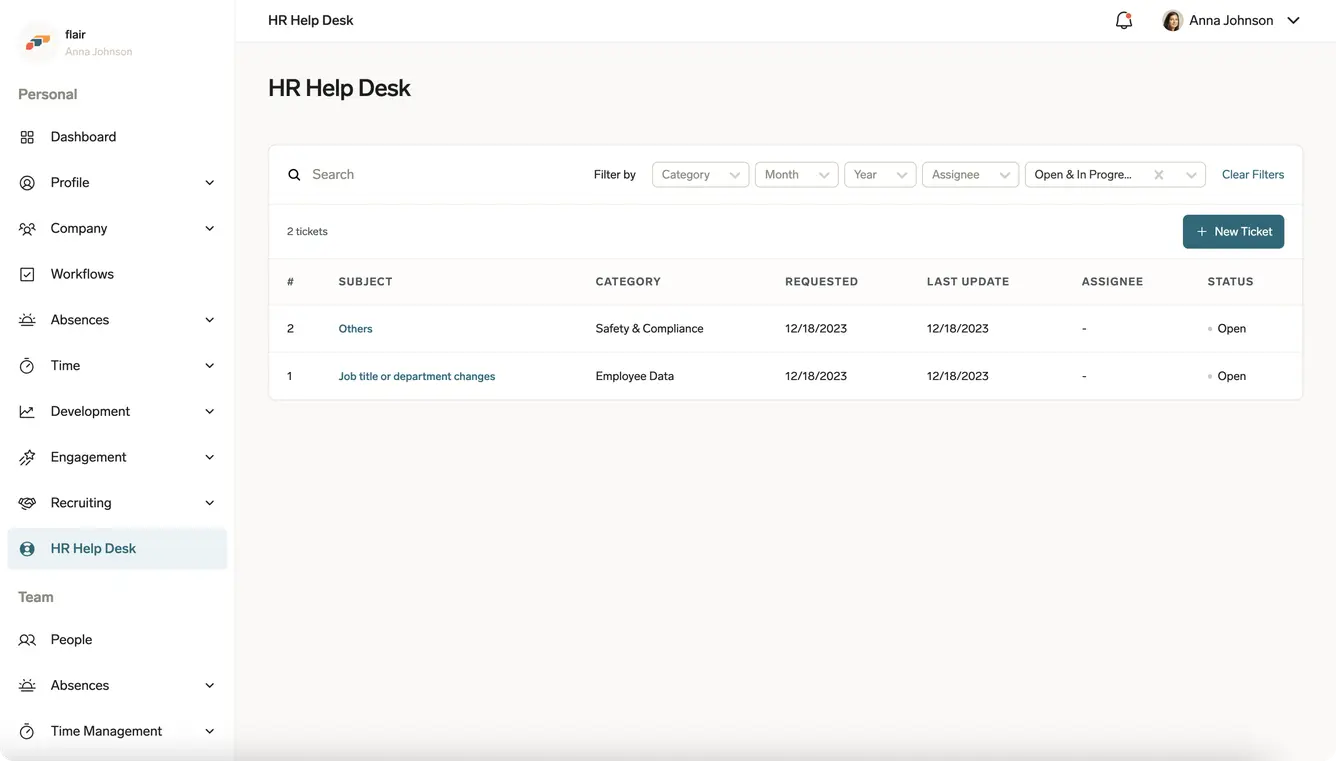
HR Helpdesk is flair's ticketing feature for employee support. Employees submit requests with their supporting information, and HR teams manage each request as a ticket.
Employees in the Employee Hub and HR teams in Salesforce. HR Helpdesk is an optional feature that can be added to your flair package.
What you can do
- Submit HR requests — employees can describe an issue, attach files, and keep the discussion with the ticket.
- Manage helpdesk tickets — HR teams can assign tickets, set their priority and status, and choose which ticket categories employees see in the HR Help Desk settings.
- Receive ticket notifications — flair notifies the relevant people when a ticket is submitted, shared, assigned, or commented on.
- Capture additional details — HR teams can use Extra Fields on HR Helpdesk tickets.
- Review team tickets — managers can review and close their team members' tickets in the Employee Hub manager view.
- Report anonymously — employees can withhold their identity when they submit a ticket.
HR Helpdesk supports anonymous reporting for safety and compliance concerns, including whistleblowing. Employees can choose to stay anonymous when they submit a request. With Whistleblower Protection Compliance turned on, your organization can instead make every ticket anonymous.
Where it happens
Employees access HR Helpdesk in the Employee Hub. HR teams manage the resulting ticket records in flair on Salesforce and can integrate request management with Service Cloud. Organizations can also assign the HelpDesk Manager role to an additional manager.
Start here
- To submit a request, open HR Helpdesk from the Employee Hub.
- To submit and manage tickets, including visibility and document attachments, see Submit and manage HR Helpdesk tickets.
- To choose ticket categories and set up anonymous reporting, see Configure HR Help Desk settings.
- To discuss availability or add HR Helpdesk to your flair package, contact flair Support.