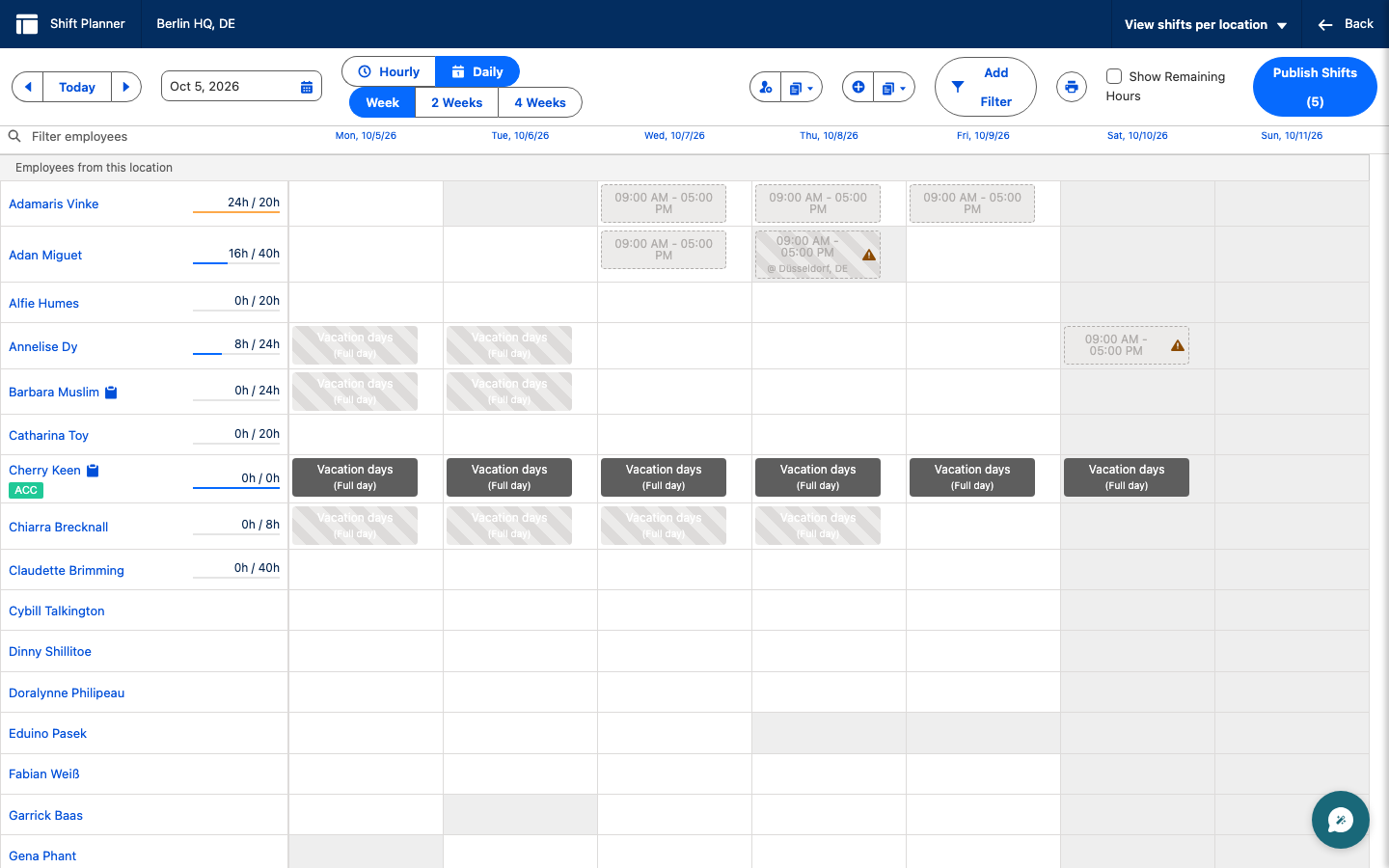
Legacy Shift Planner overview
The Legacy Shift Planner coordinates employee work patterns across offices and regions. Managers organize and publish schedules in Salesforce, and employees view or request shifts in the Employee Hub.
Who can use this?
Managers in the flair HR app in Salesforce and employees in the Employee Hub.
What you can do
warning
The Legacy Shift Planner will be deprecated. Read how to migrate to the new Shift Planner.
- View schedules — move between past and future shift plans.
- Organize shifts — draft schedules that meet staffing needs.
- Request shifts — let employees request open or vacant shifts.
- Manage locations — filter shifts across offices or regions.
- Publish and share — make schedules visible to employees and print them when needed.
Where it happens
Managers plan shifts from Attendance → Shifts in the flair HR app in Salesforce. Employees use Shifts in the Employee Hub to see their schedules, colleagues' schedules, and open shifts.