Resolve Position Management issues
Use these checks when Position Management data does not appear or cannot be changed where you expect.
HR Admins and managers with access to Company Structure in Salesforce. Salesforce Admin permissions may be required to correct records or access settings.
Troubleshooting
Job Title, Start Date, End Date, or Manager is read-only on the employee
Position Management controls these employee fields. Open Company Structure and update the position or Employment Term instead. flair synchronizes the result to the employee record.
A future position is missing
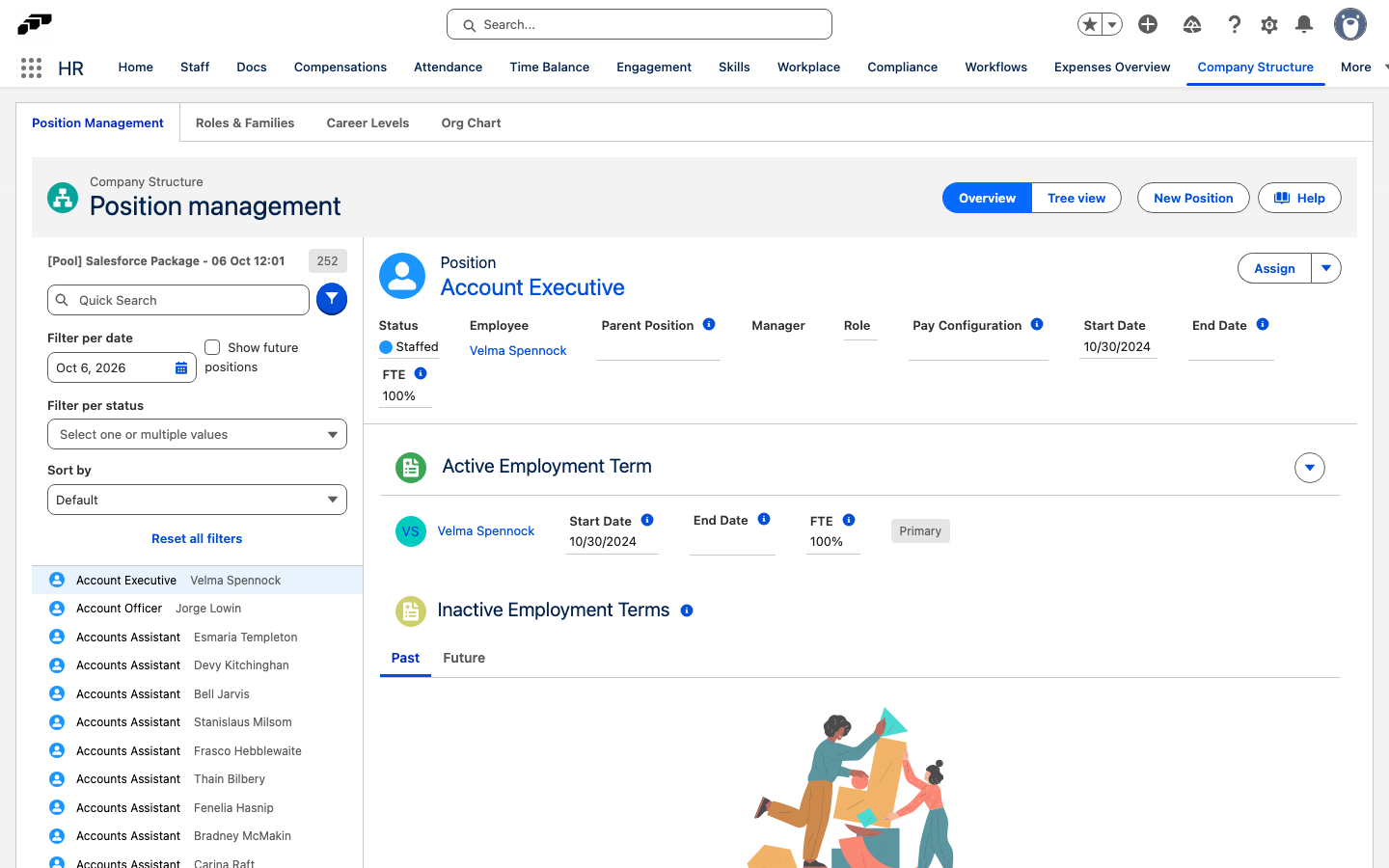
On Company Structure, open the funnel filter and select Show future positions. Positions remain hidden from the main list until their Start Date.
A position cannot be deleted
A position with an Employment Term cannot be deleted. Edit the position, set End Date, and save it so the position becomes inactive after that date. You can't set an end date while a subordinate position is still active, so end or move its subordinate positions first.
The company hierarchy contains a reporting loop
On Company Structure, turn on Display positions with invalid reporting structure below the position list. It lists the positions that the hierarchy can't display because of a reporting loop. Review every affected Parent Position. Remove any circular relationship, such as Position A reporting to B while B ultimately reports back to A.