Update Employment Terms
End an Employment Term when an employee leaves a position. If the employee leaves during a pay period, also end the salary record for pro rata calculation.
HR Admins in Salesforce with access to Positions, Employment Terms, and employee salary records. Customizing the Employment Term form requires a Salesforce Admin.
End an Employment Term
- From the App Launcher (⋮⋮ grid icon), enter
positionsin the search field. - Open Positions.
- Open Select a List View: Positions, then select All.
- Select the position for the Employment Term you want to end.
- Open Employments….
- Select the employee.
- Click Edit.
- Set the end date and confirm the employee's position.
- Click Save. The Employment Term ends on the selected date.
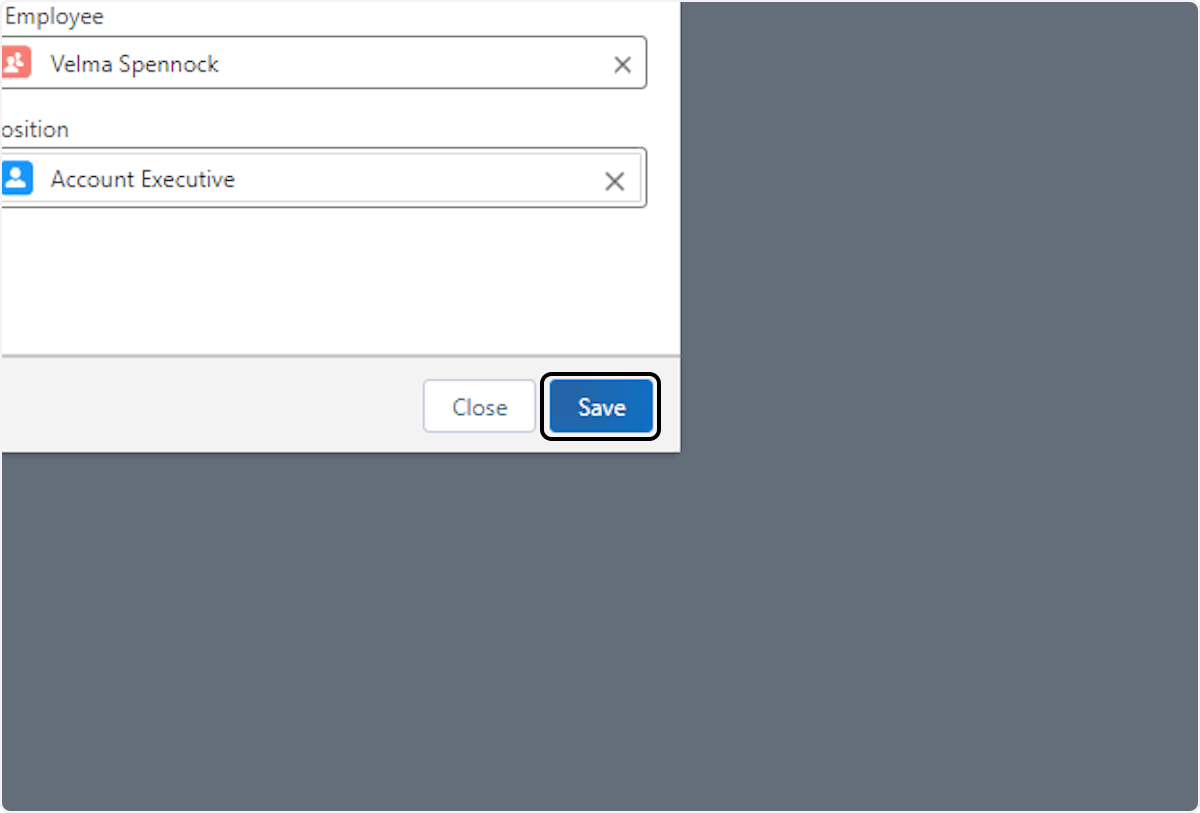
End the employee's salary
If the employee leaves during a pay period, end the salary so flair calculates it only through the departure date.
- On the employee record, open Salary.
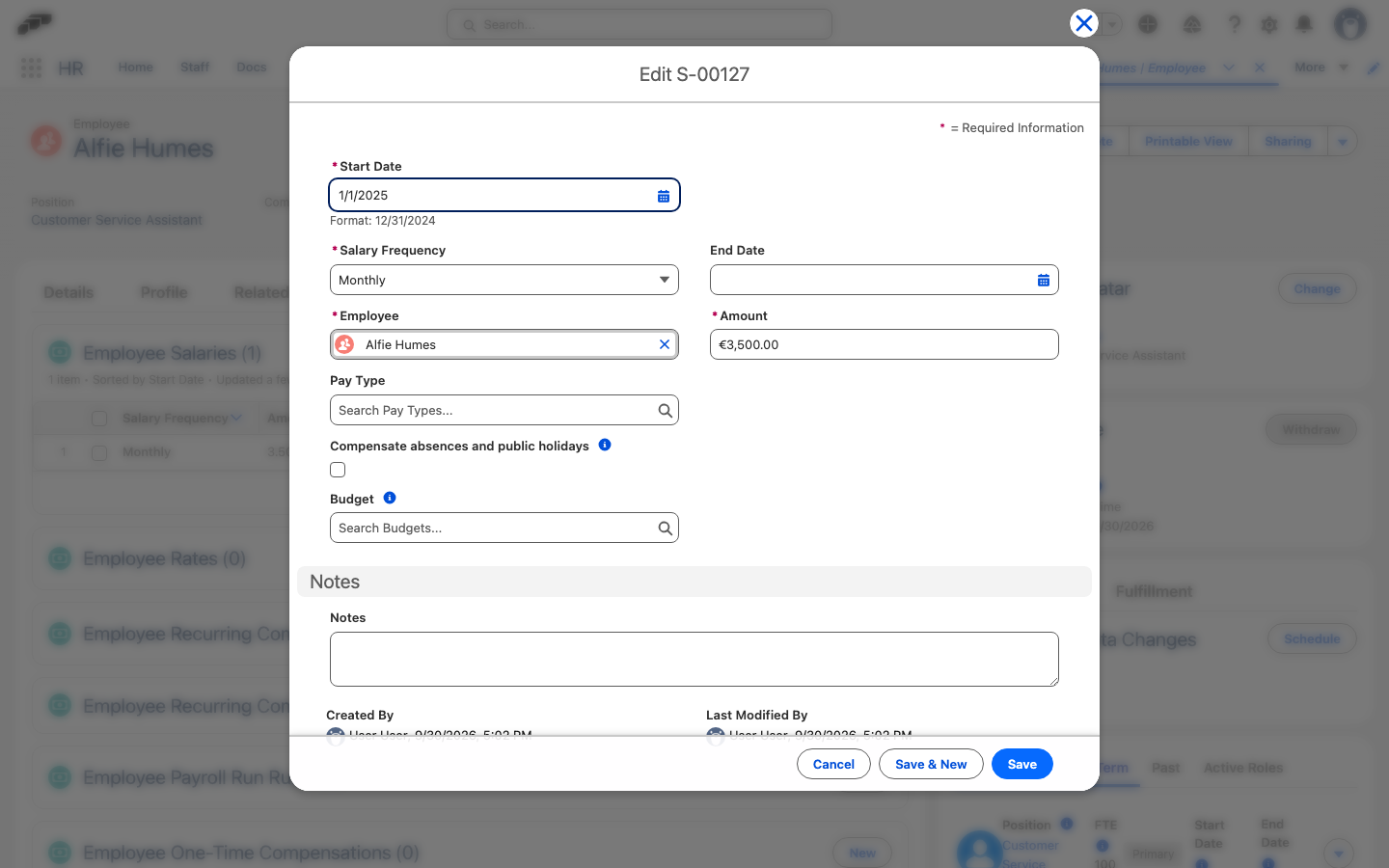
- Open the down-arrow menu next to the Employee Salaries or Recurring Compensations entry, and click Edit.
- Set End Date.
- Click Save. flair calculates the salary pro rata instead of using the full pay period.
Customize the Employment Term form
The New and Edit Employment Term forms run as the packaged screen flow flair – Employments – New / Edit Employment Term (API name flair__Create_New_Employment_Term). flair opens this flow from the New and Edit actions on Employment Terms and from the New and Edit actions in an employee's Employment Terms. Without any setup, the form works as shipped.
To add your own fields or logic, a Salesforce Admin overrides the packaged flow:
- In Salesforce, open Setup.
- In Quick Find, enter
Flows, and then open Flows. - Click flair – Employments – New / Edit Employment Term. The flow opens in Flow Builder in a new browser tab.
- Click the arrow next to Save As New Version, and select Save As New Flow. The Save as dialog explains that the new flow overrides the original flow.
- In Flow Label, enter a name, and click Save. The override opens in Flow Builder with an Override badge next to its name.
- To change the form, click the Employment Term screen element. The Edit Screen window opens.
- Add your fields or components, and click Done.
- Click Save.
- Click Activate. flair now opens the override instead of the packaged flow for every New and Edit Employment Term action.
To return to the packaged form, deactivate and delete the override.
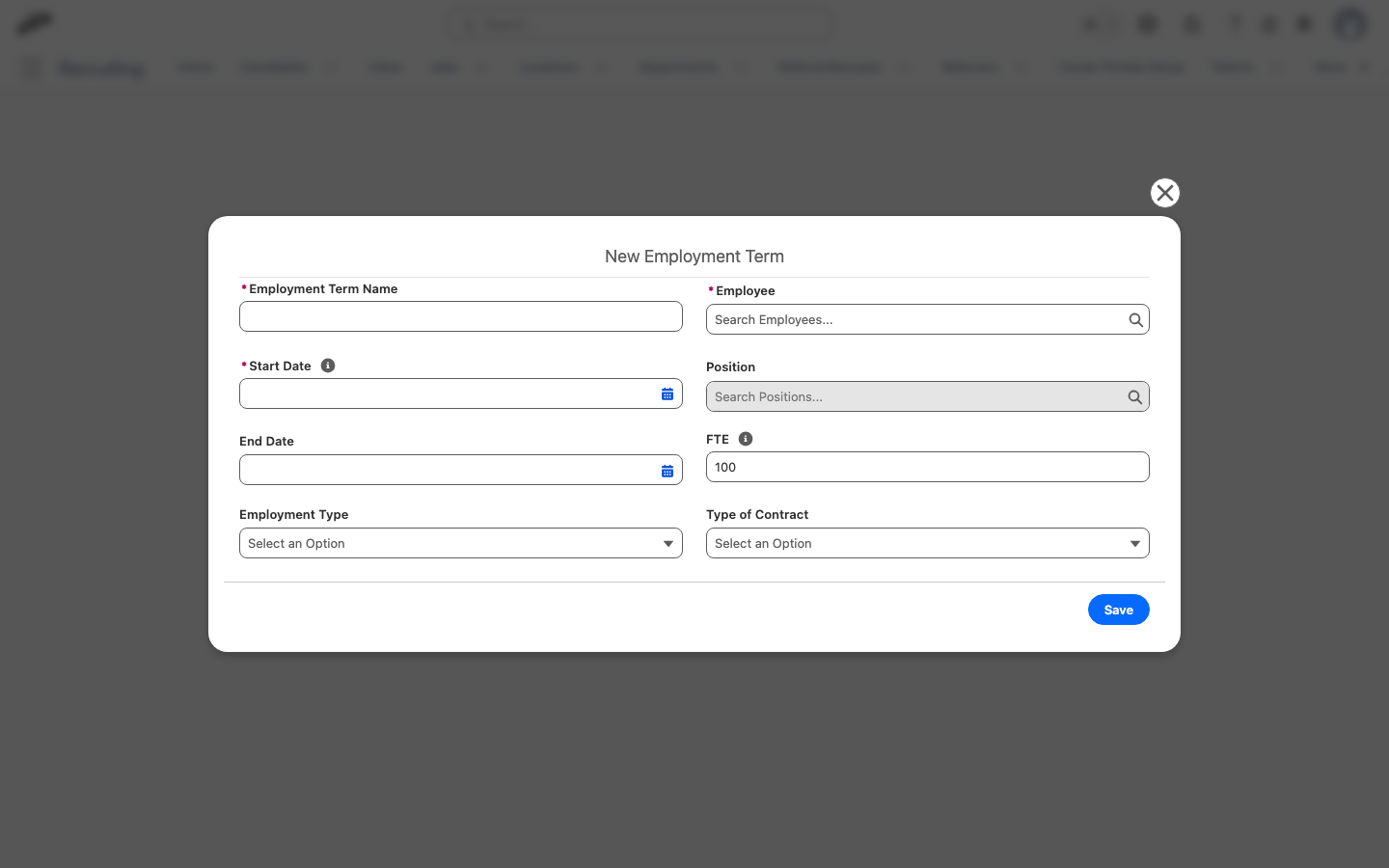
The override replaces the whole form. Keep the recordId and employeeId input variables and keep recordId available for output: flair passes the Employment Term and the employee into the flow through them and reads recordId back after saving.