Approval Framework overview
The Approval Framework centralizes request routing through reusable Approval Policies. Policies define the approvers, their order, and the conditions under which each request follows a workflow.
HR Admins configure Approval Policies in Salesforce. Employees and approvers interact with requests in the Employee Hub, mobile app, Slack, email, or Salesforce.
What you can do
- Route absence requests — send vacation, sick leave, and other absence requests through configured approvers.
- Review Employee Documents — route self-uploaded documents shared with the employee's manager to that manager for review.
- Create multiple approval steps — process requests through several approvers in sequence or in parallel.
- Assign approvers flexibly — use managers, Additional Managers, Employee Segments, or a custom lookup field.
- Prioritize matching policies — when several policies match, use the lowest Matching Priority number.
- Enable or disable policies — change active routing without deleting policy configuration.
The framework is designed to support more flair objects as approval workflows are added.
Where it happens
HR Admins manage Approval Policies, assignments, steps, and SOQL filters in Salesforce. Approvers receive requests through enabled email, Slack, Employee Hub, and mobile notifications and can make decisions from supported surfaces.
flair creates default Approval Policies during installation or upgrade, including:
| Policy | Routing |
|---|---|
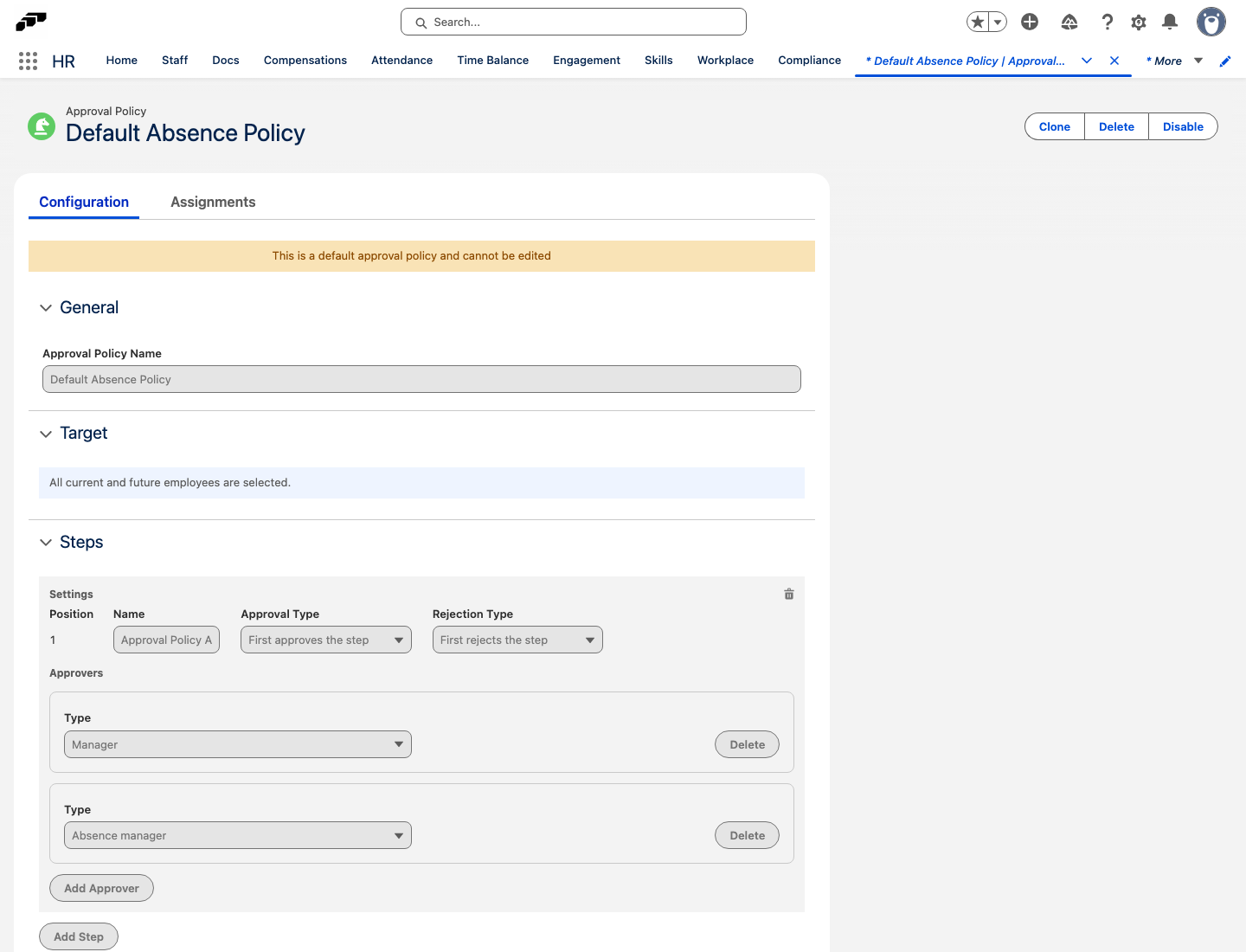
| Default Absence Policy | Sends absence requests to the employee's direct manager and absence manager in one step. The first approver to respond decides. |
| Default Document Policy | Sends self-uploaded Employee Documents with HR+Manager+Employee visibility to the employee's direct manager. |
You cannot delete default policies, but you can disable them and use custom policies. For the full list, see Understand default Approval Policies.
The Approval Framework replaces feature-specific routing. Organizations that have not upgraded can still use the documented Additional Managers method for absence approvals.