Approvals across flair reference
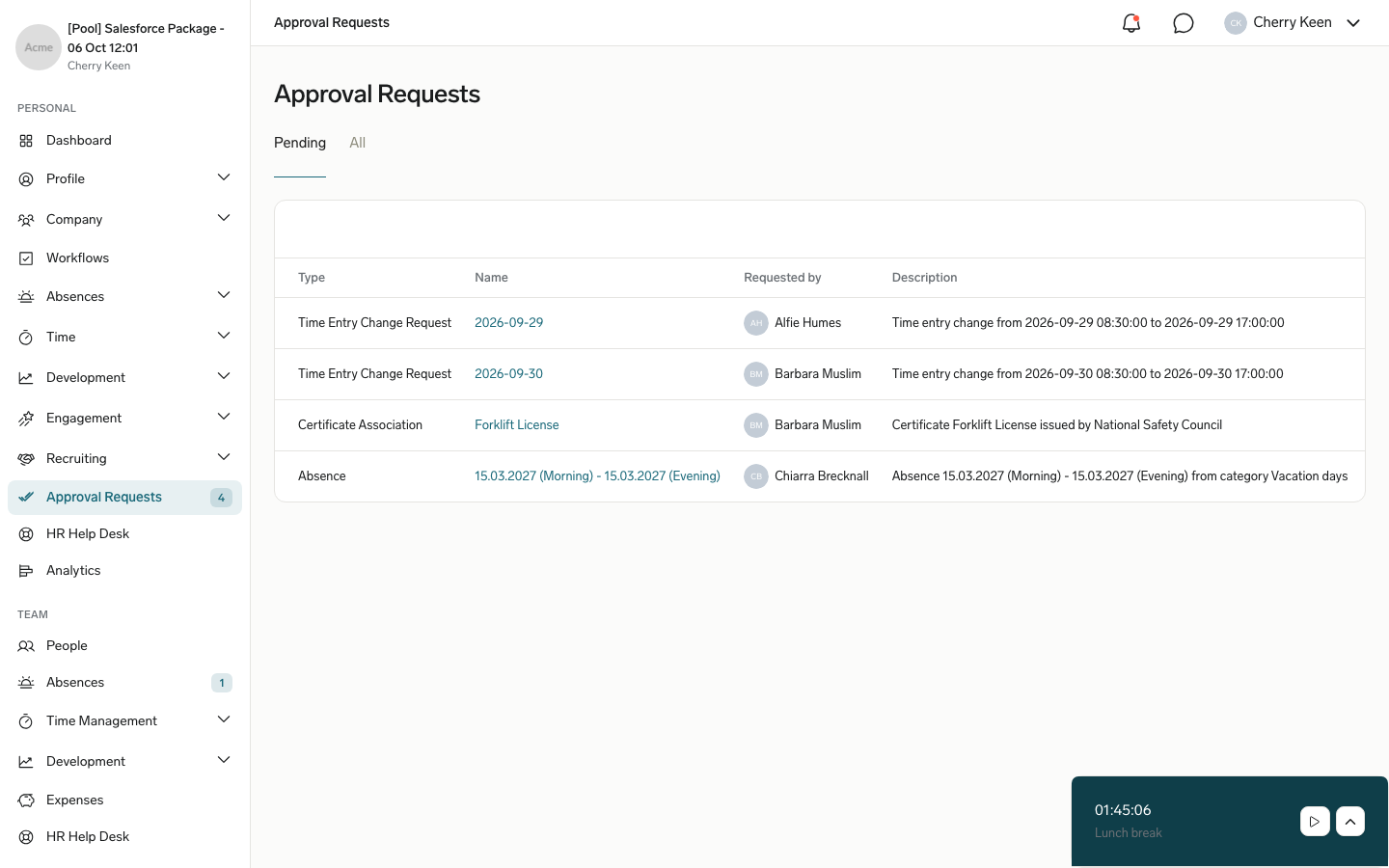
Use this reference to find who approves each documented request type and where they handle it. Approval routing follows the Approval Framework unless a row describes another flair approval process. In the mobile app, every Approval Request assigned to you appears under Approval Requests on the home screen; see Approve or reject in the mobile app.
Who can use this?
Employees, Managers, and HR Admins who submit, review, or configure approvals in the Employee Hub, Salesforce, Slack, or mobile app.
Compare approval types
| Area | Approval type | Who approves | Where it is handled |
|---|---|---|---|
| Time and attendance | Review timesheets and Change Requests | Managers and HR teams | Salesforce Timesheets; Employee Hub Time Management or Timesheets; mobile app Team time tracking → Timesheets. |
| Time and attendance | Review timesheets and Change Requests | The employee's manager | Salesforce Time Entry Change Requests; Employee Hub Time Management → Change Requests or Approval Requests; mobile app Team time tracking → Change requests. |
| Time and attendance | Track time and allocate employees to projects | Project manager; optionally the client and Finance | Employee Hub Team → Time Management → Projects. |
| Time and attendance | Configure and manage Time Balance | The employee's manager | Employee Hub Time Balance, My Hours, or Absences. |
| Absences | Request and approve absences | Direct manager by default or an assigned approver | Employee Hub Team → Absences; Salesforce Absences; Slack; mobile app Absences → Absence Requests, or Approval Requests when an Approval Policy covers absences. |
| Expenses | Manage and approve expenses | Managers and HR Admins | Salesforce Expenses Overview; Employee Hub Manager → My Team; mobile app Approval Requests. |
| Documents | Configure Approval Policies | The employee's direct manager when visibility is HR+Manager+Employee | Employee Hub Approval Requests; Salesforce Approval Requests or Employee Documents; mobile app Approval Requests. |
| Documents | Manage certificates | The employee's manager | Employee Hub My Team → Certificates; mobile app Approval Requests. |
| Scheduling | Trade shifts | Managers with Flair Scheduler Manager or Flair Scheduler Admin | Employee Hub Approvals; Salesforce Shift Planner; mobile app Approval Requests. |
| Scheduling | Request open shifts | Flair Scheduler Manager or Flair Scheduler Admin users | Salesforce Shift Planner; Employee Hub Shifts → Colleagues. |
| Scheduling | View and request shifts in the Employee Hub | The employee's manager | Employee Hub Shift Planner (legacy) → All Shifts. |
| People and development | Submit a data change request | A Manager or HR Admin, depending on settings | Salesforce employee record → Employee Data Change Requests; mobile app Approval Requests. |
| People and development | Manage Compensation Reviews | Approvers in the selected flair approval process | Employee Hub Compensation. |
| People and development | Configure employee development | Approval-workflow approver; Manager and HR actions bypass approval | Employee Hub Goals with Pending Approval in Manager view. |