flair AI overview
flair AI adds writing, summarization, question-answering, and recruiting assistance to flair. The features use large language models and are currently in beta.
Employees in the Employee Hub, and HR teams and Recruiters in flair apps in Salesforce. flair AI comes in two paid modules, flair AI for HR and flair AI for Recruiting, and needs activation by an HR Admin. The features each module covers are listed under What you can do.
What you can do
- Summarize feedback — generate summaries after every participant completes a performance review or survey.
- Edit text — rewrite, shorten, expand, formalize, or translate text in supported Salesforce fields.
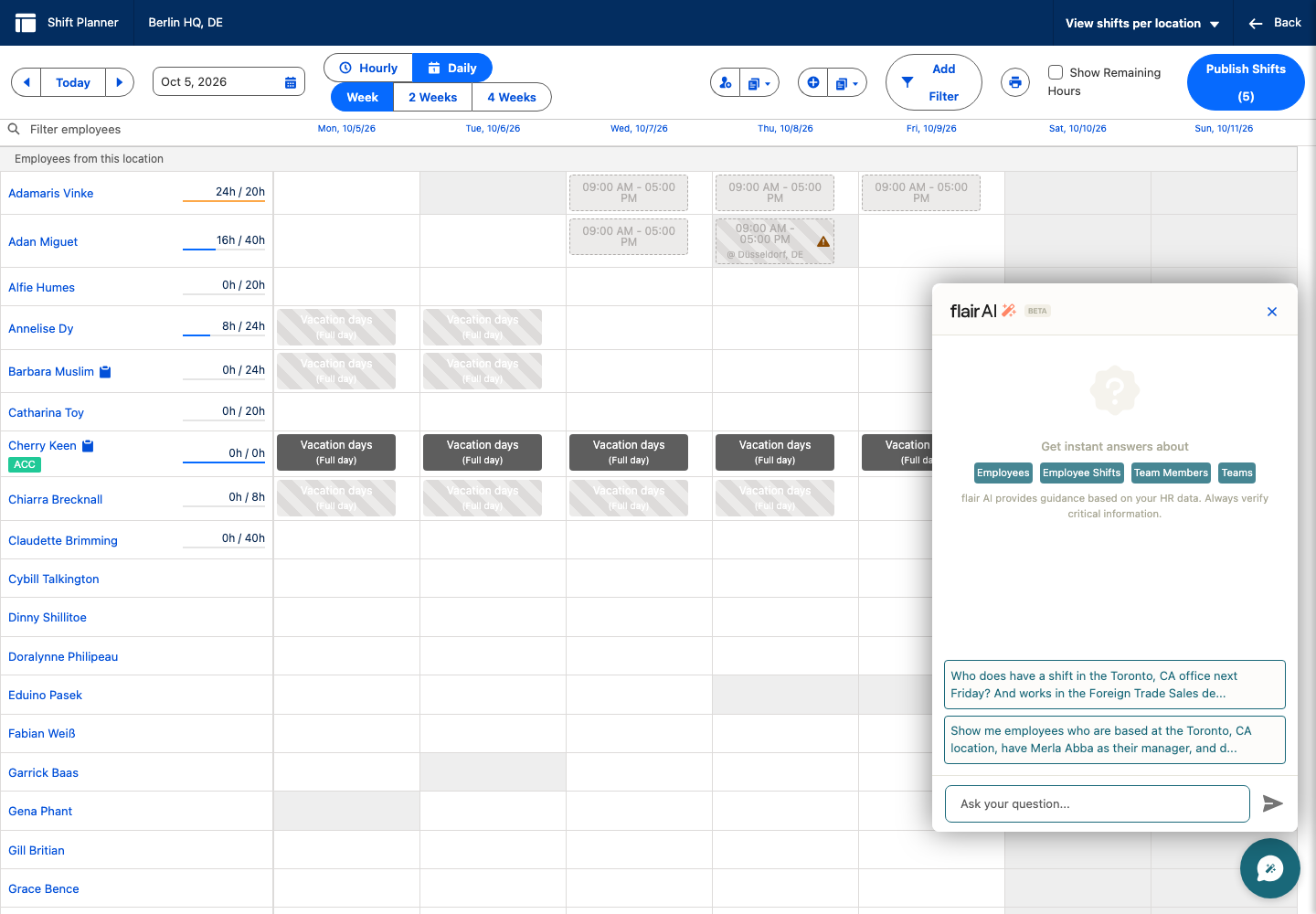
- Query Salesforce data — ask natural-language questions about supported employee, shift, job, and candidate data.
- Ask policy questions — get Employee Hub answers grounded in company policy documents that you can access.
- Support recruiting — generate job descriptions and compare candidate materials with job requirements.
- Build people searches — generate Smart Search filters from a plain-language description.
flair AI for HR covers the AI command bar in the Employee Hub, the AI chatbot on Shift Planner and Employee pages, AI report generation, creating feedback cycles with AI, and performance review and survey summaries. flair AI for Recruiting covers the recruiting tools and the AI chatbot on Jobs and Candidates pages. The text assistant, AI-filled translations (for example, of skills), and Smart Search filters work with either module.
AI-generated content can contain errors and miss context. Verify important information and review source material before you make a decision.
Beta features can change as flair develops them. Share feedback with flair Support or your account manager.
Where it happens
The AI text assistant, chatbot, summaries, recruiting tools, and Smart Search filters appear on supported pages in Salesforce. The AI command bar is available throughout the Employee Hub.
Start here
- Ask an HR Admin to enable flair AI.
- Use the AI text assistant
- Ask Salesforce questions with the AI chatbot
- Use flair AI for recruiting
- Generate Smart Search filters with AI
- Create and publish flair Reports