Use flair AI for recruiting
Use flair AI to draft a job description and assess how candidate materials match the job requirements. The tools are available in the flair Recruiting app.
Recruiters and HR teams in the flair Recruiting app in Salesforce at organizations with the paid flair AI feature.
Before you begin
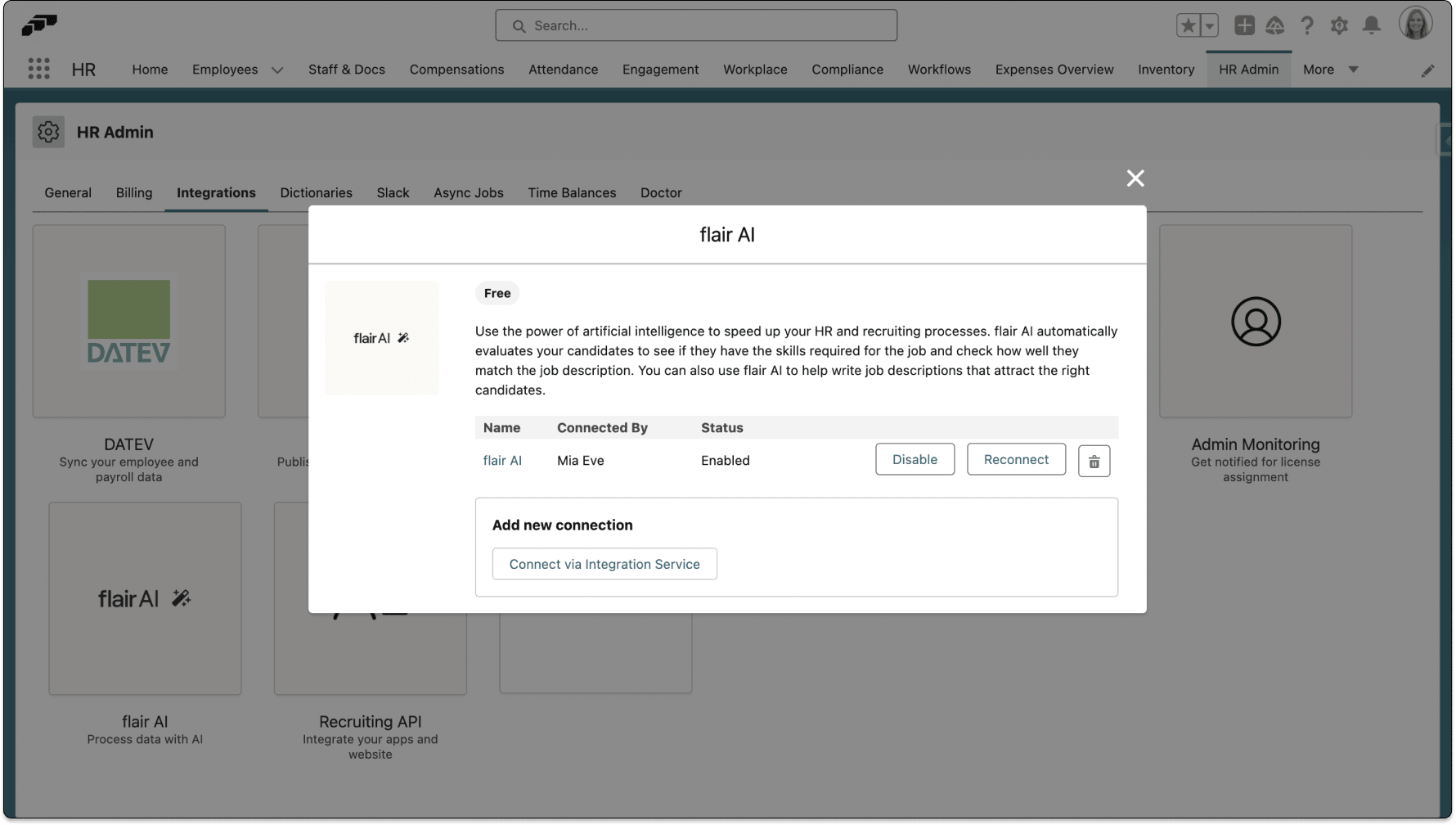
- Ask an HR Admin to enable flair AI.
Generate a job description
The generated description can include a role summary, responsibilities, candidate requirements, and benefits.
-
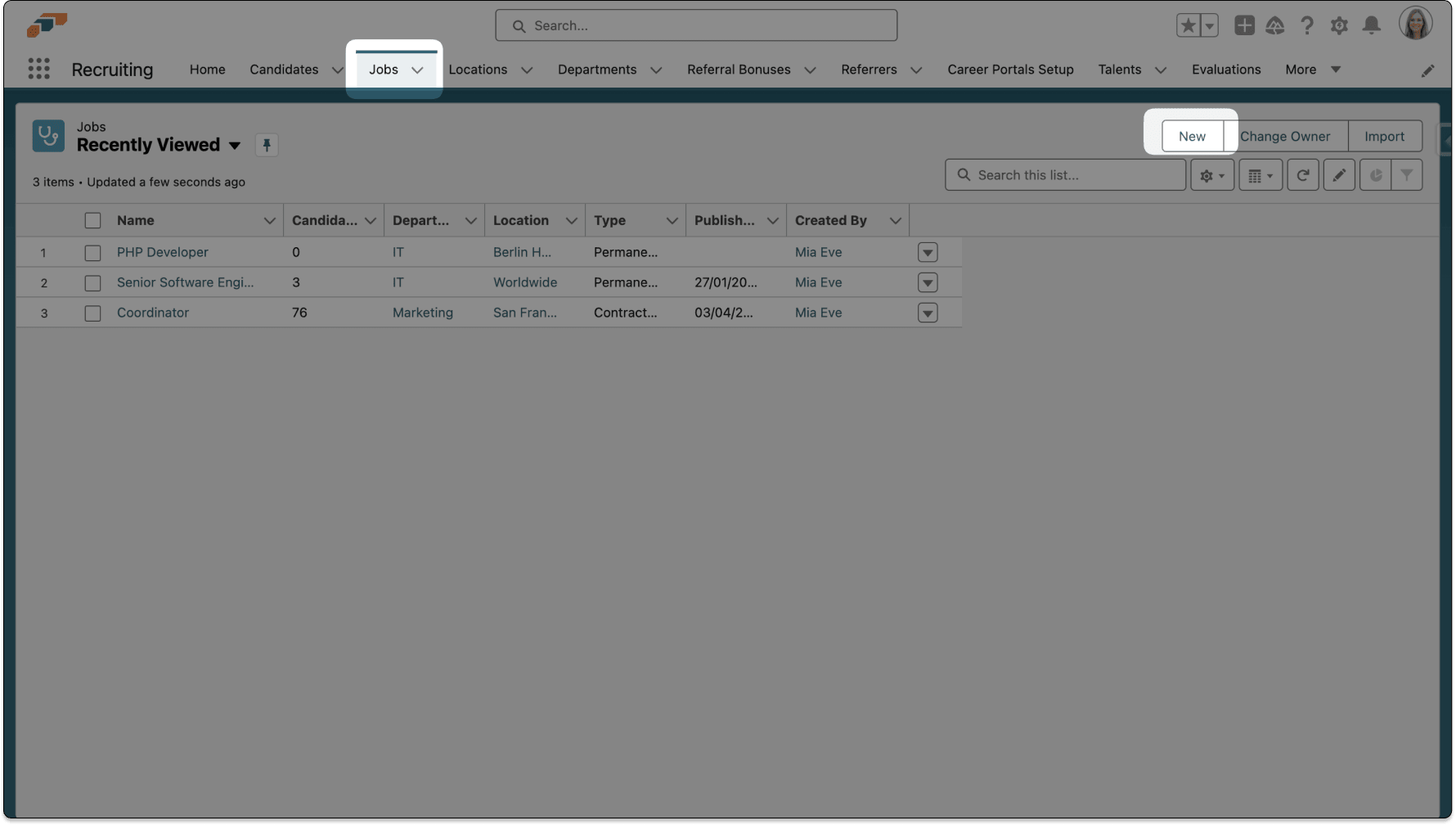
In the flair Recruiting app, open Jobs.
-
Click New.
-
In the Create Job wizard, enter a prompt for the role.
-
Generate the job description.
-
Review and edit the result for accuracy, tone, responsibilities, requirements, and benefits.
-
Finish the Create Job wizard, and save the job.
Duplicate a job with a generated description
Duplicating a job opens the same wizard, titled Duplicate Job, with the original job's details and description copied, so you can use flair AI on the copy.
- In the flair Recruiting app, open Jobs.
- Select the job you want to copy.
- On the job record page, click Duplicate. The button is available on open and closed jobs.
- Update the copied job details as needed.
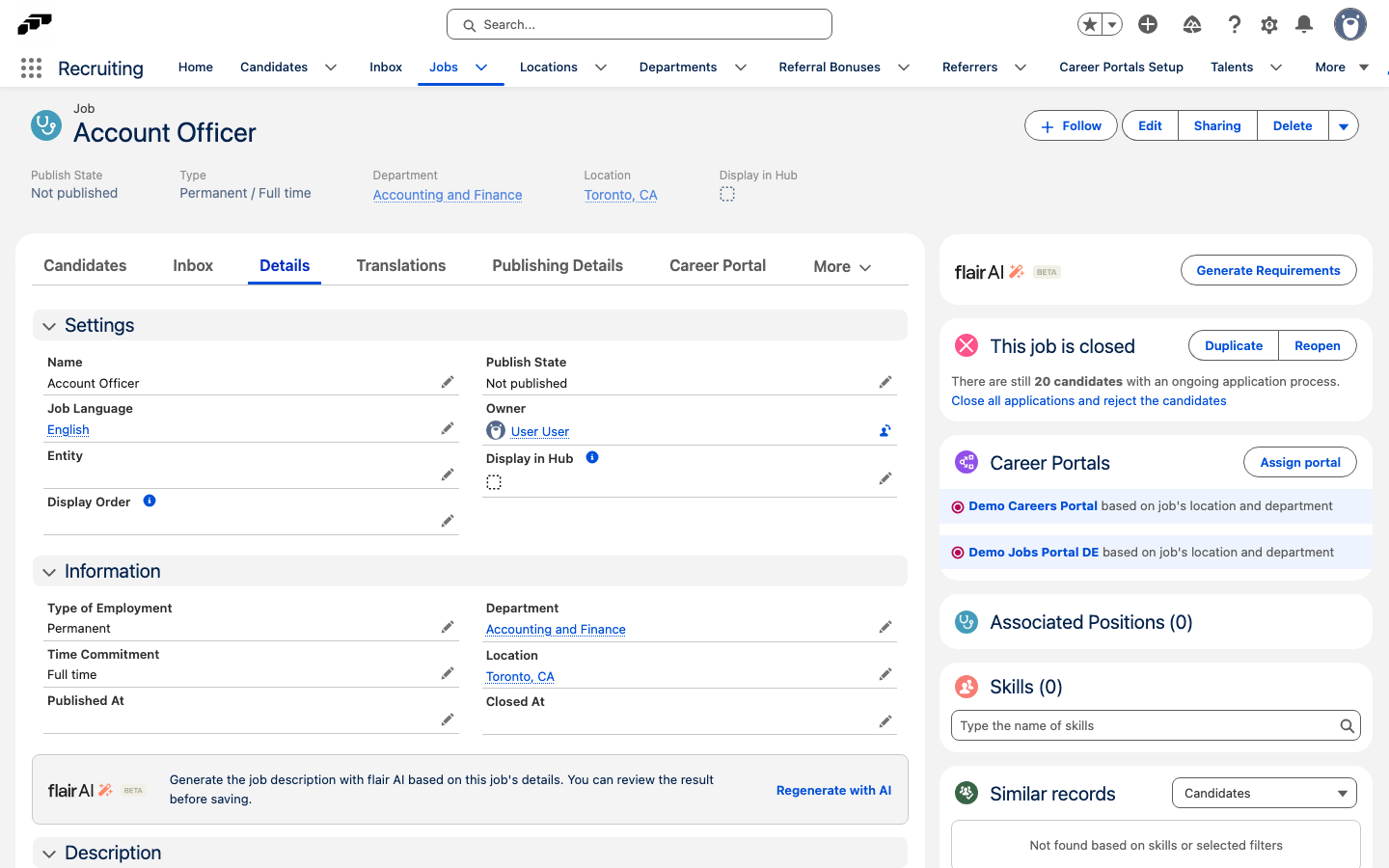
- On the description step, click Regenerate with AI to replace the copied description with a new one. If the copied job has no description, responsibilities, requirements, or benefits, the button reads Generate with AI.
- Review and edit the result.
- Finish the wizard, and save the job. flair creates the new job and opens it.
Generate a description for an existing job
- In the flair Recruiting app, open Jobs.
- Select the job.
- Open the Details tab.
- In the flair AI card, click Generate with AI. If the job already has a description, responsibilities, requirements, or benefits, the button reads Regenerate with AI. The card appears only when flair AI is enabled. The result opens in the AI Job Description window.
- Review and edit the description, responsibilities, requirements, and benefits.
- Click Save. The generated text replaces the job's description fields. If you click Cancel, the job stays unchanged.
Review and edit a job's key requirements
flair AI scores candidates against a job's key requirements: up to 10 requirements, each with an importance. flair AI generates them when you create a job and again whenever you change the job's description, requirements, or responsibilities.
When the key requirements are ready, the flair AI card on the job record shows Score generation is enabled for this job. Until then, the card shows Generate Requirements, or Regenerate Requirements if earlier requirements exist. Generation usually takes 1–2 minutes.
- In the flair Recruiting app, open Jobs.
- Select the job.
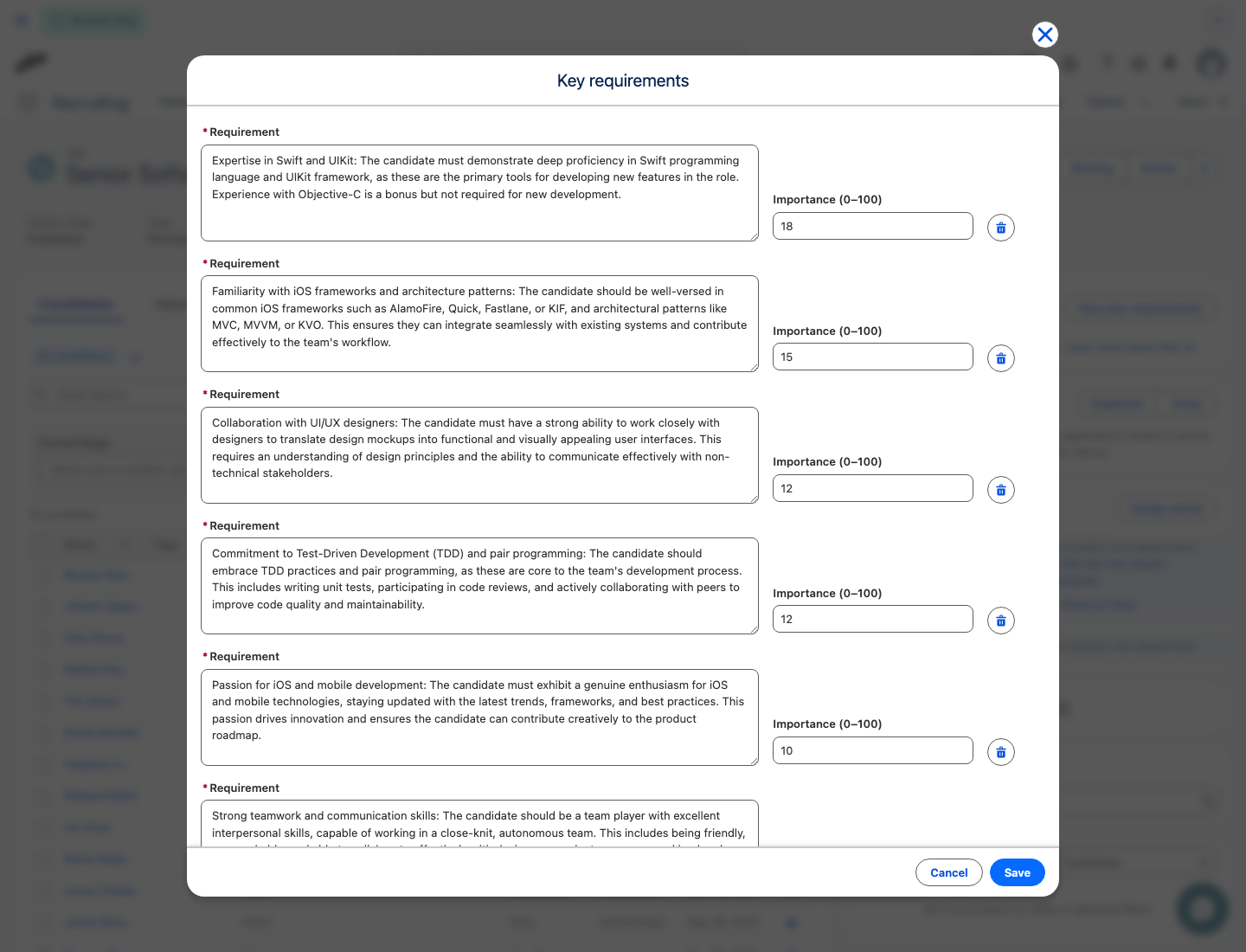
- In the flair AI card, click View key requirements. The Key requirements dialog lists each Requirement with its Importance (0–100).
- Optional: Edit a requirement's text or importance, or click the delete icon next to a requirement to remove it.
- Click Save. The importance values must add up to 100; until they do, the dialog shows the current total and Save stays unavailable.
Saved changes don't rescore existing candidates. On each candidate already scored against the old requirements, the flair AI card shows Regenerate Score. Click it to score the candidate against the new requirements.
Review a candidate AI Score
When a candidate applies through a flair career portal, flair stores their application and files in the Candidates section. You can also enter a candidate profile there.
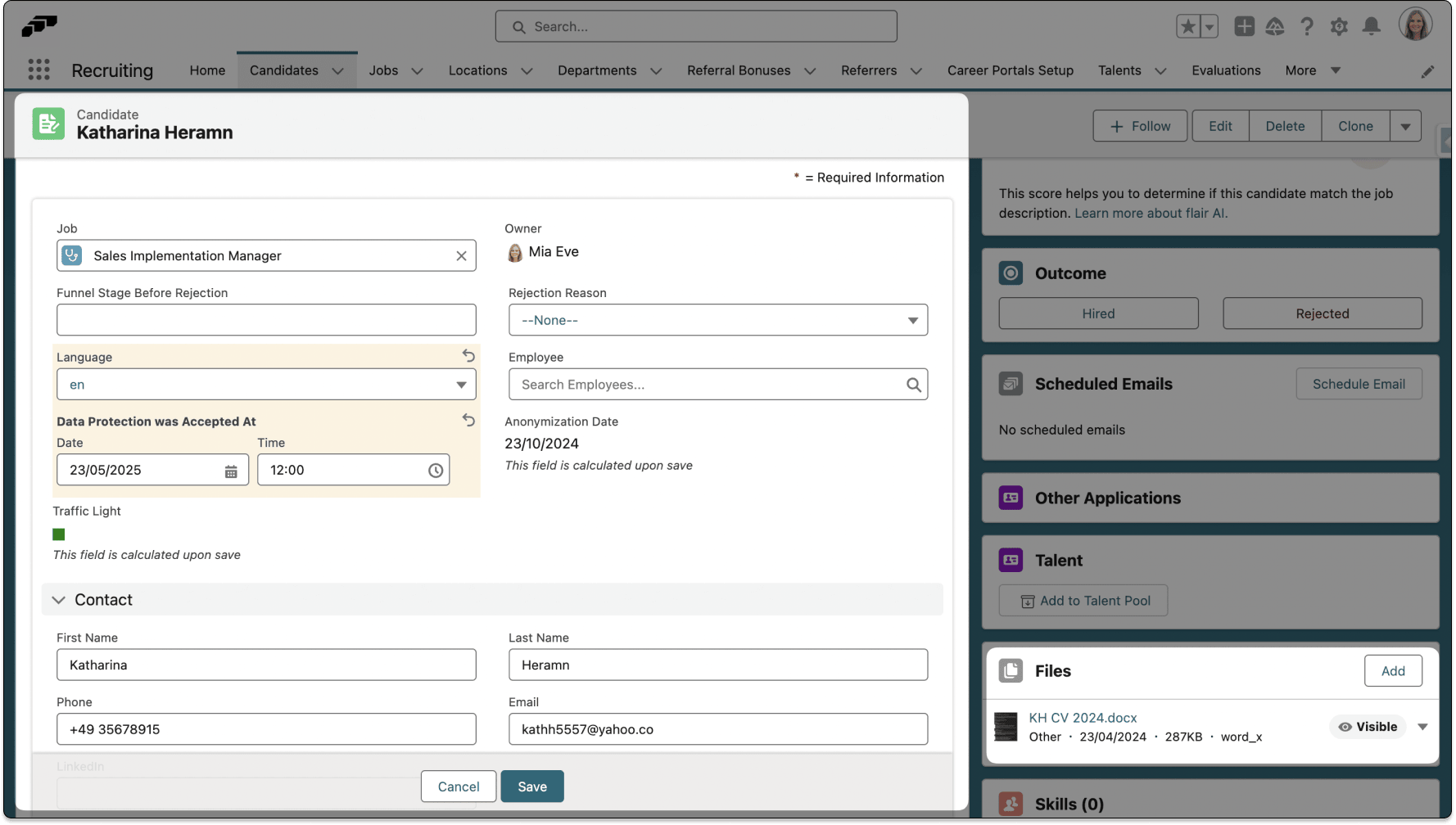
If flair AI is enabled on Integrations, each new applicant receives an AI Score automatically.
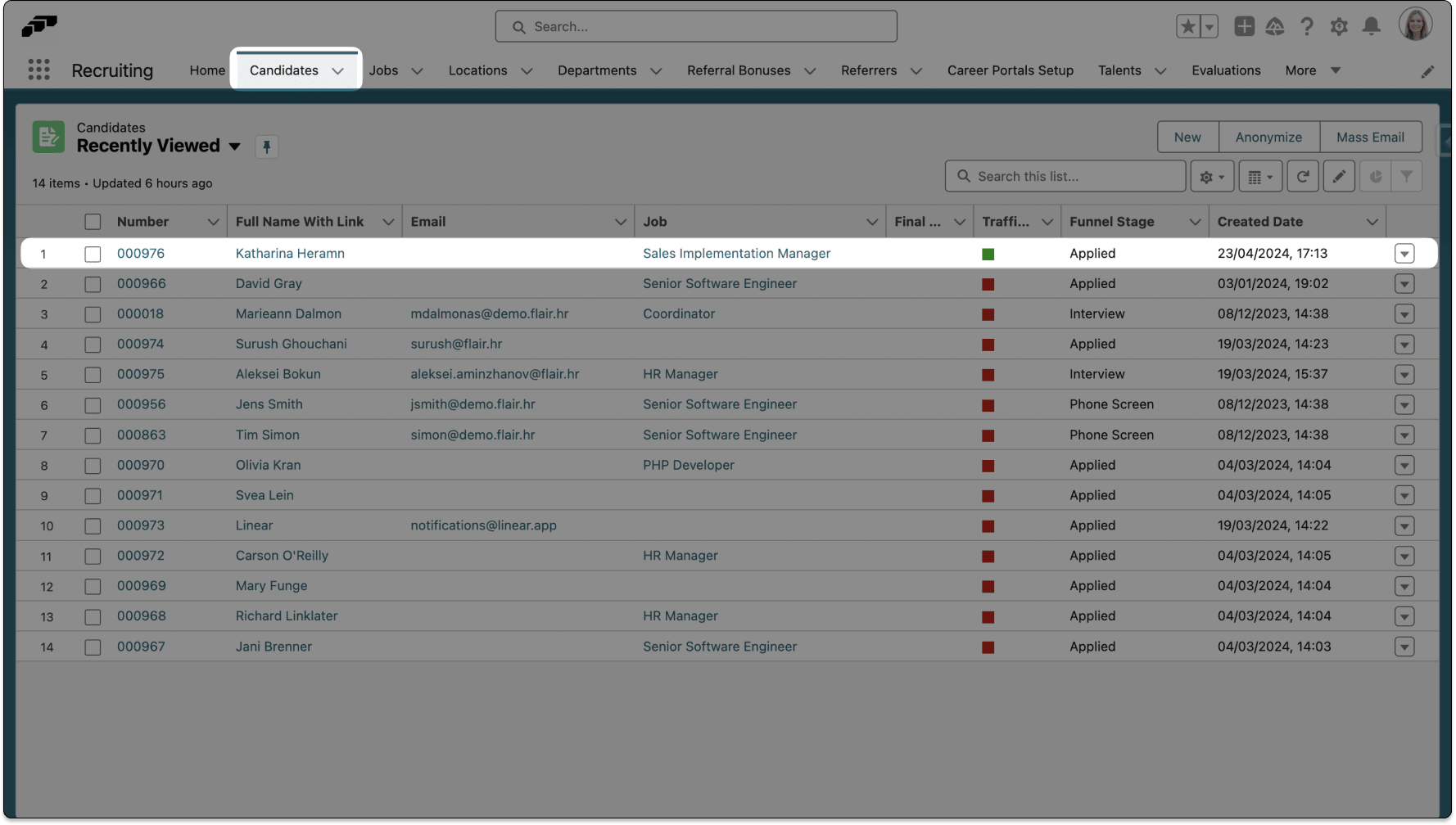
- In the flair Recruiting app, open Candidates.
- Select the candidate.
- Review the AI Score. The value ranges from 0 to 100; a higher value indicates a closer match between the job requirements, CV, and cover letter.
- Review the candidate's CV, cover letter, experience, and other materials before you make a hiring decision.
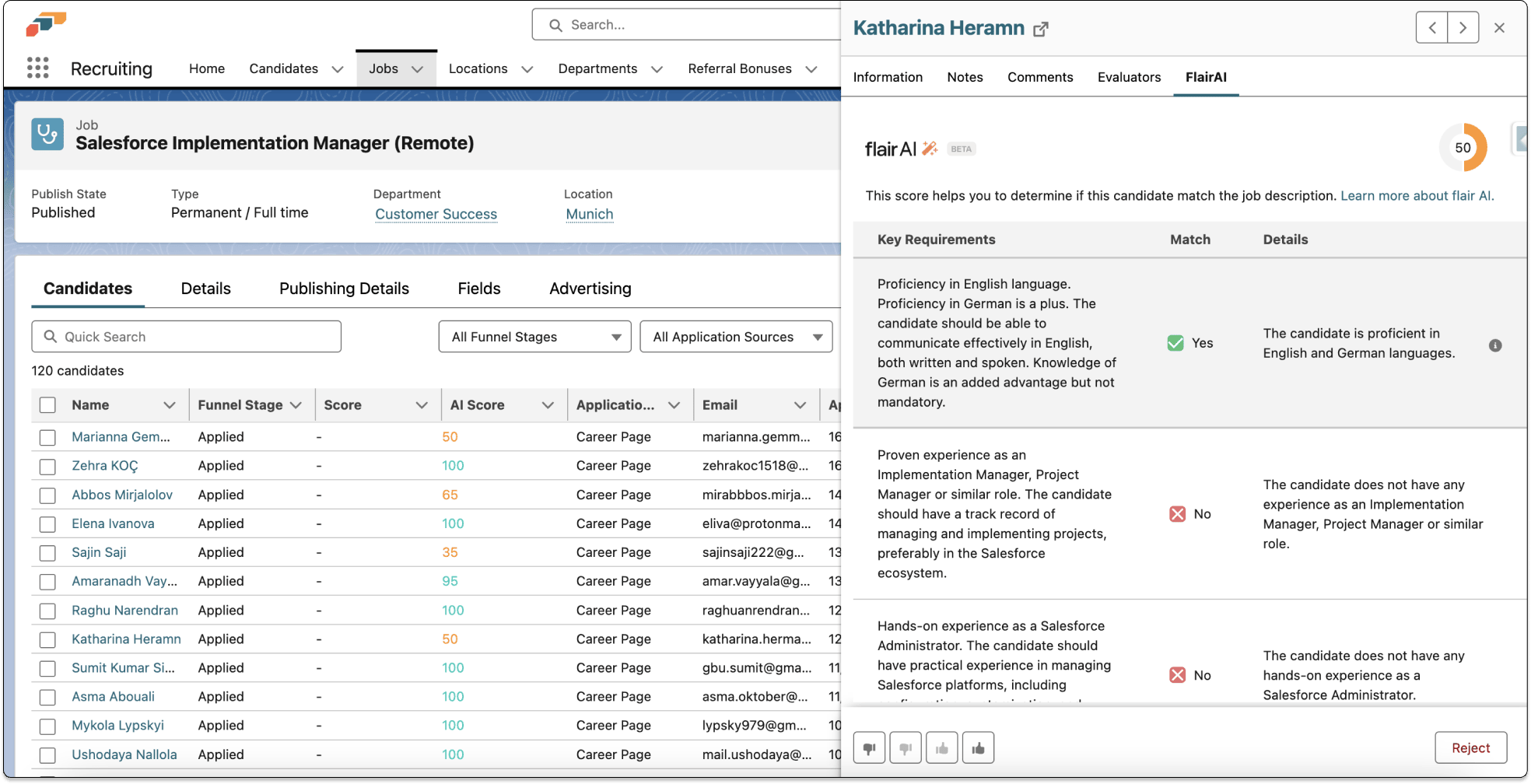
Hiring Managers see the same score in the Employee Hub, in the AI Score column of a job's Candidates tab and on the candidate's page. On the candidate's page, click Show more details to see each Key Requirements entry with its Match (Yes or No) and Details.
Use the AI Score only for initial screening. It does not replace your review or human judgment in a hiring decision.