View absences and manage public holidays
View employee absences in Salesforce or personal absences in the Employee Hub. HR teams can also create public holiday calendars for the countries and regions where employees work.
Who can use this?
HR Admins view absences and manage calendars in Salesforce. Employees view their own absences in the Employee Hub.
View absences in Salesforce
- In the flair HR app, open Attendance → Absences to see employees' absences on a calendar or in a table. For filters, time ranges, and the absence details panel, see View absences in the Attendance calendar.
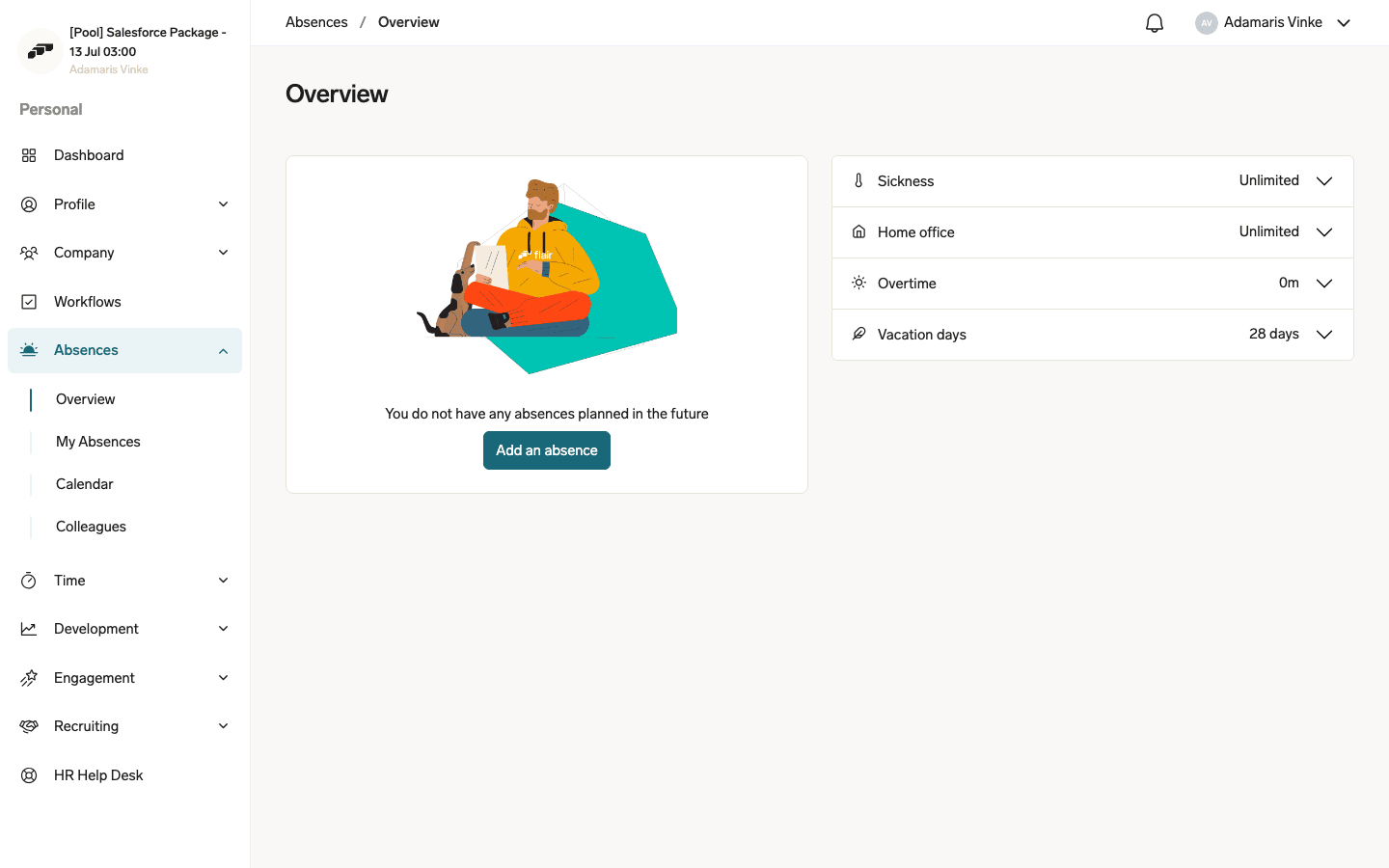
View your absences in the Employee Hub
- In the Employee Hub, open Absences to see past, current, and upcoming absences or request a new one.
Import public holidays automatically
- In Salesforce, open the App Launcher (⋮⋮ grid icon), and search for Calendars.
- Create a calendar with the type
PUBLIC_HOLIDAY. - Enable Automatic Calendar Periods.
- Select Country and, if applicable, State/Region.
- Click Save. flair populates the next two years and updates the calendar as new years are added.
- To bring in more than public holidays, turn on Include observance holidays, Include bank holidays, or Include optional holidays. Public holidays are always imported; each of these three types is off by default and applies immediately when you turn it on, re-syncing the calendar's periods.
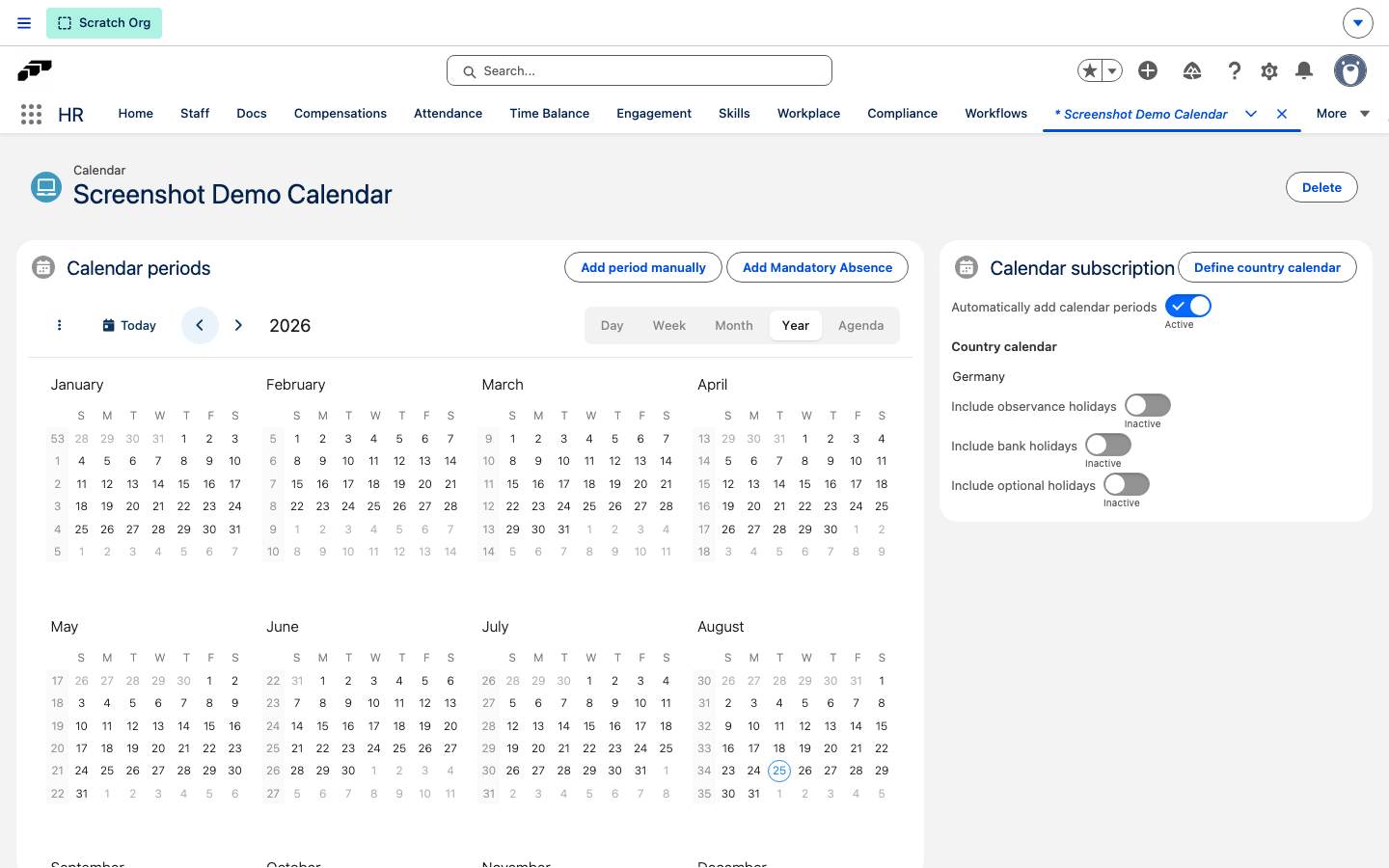
These additional holidays affect employee schedules and absence calculations the same way public holidays do — see Assign a public holiday calendar.
Add a public holiday manually
Use manual periods for cases such as remote employees who observe holidays from more than one location.
- Create or open a Location record, and import its primary holidays.
- Open the calendar's monthly view.
- Click Add Period Manually.
- Enter Name and Date.
- Select Full Day or Half Day.
- Save the holiday.
Customize a public holiday calendar
- To rename a holiday, open the entry, and edit its name.
- To remove a holiday that does not apply, delete the entry.
- To add a company holiday or observance, click Add Period Manually.
Assign a public holiday calendar
- When you create or edit an employee's Workload Template, select the public holiday calendar. The holidays affect the employee's schedule and absence calculations.