Development in flair
Development in flair brings performance reviews, goals, and connected learning into one product area. HR teams configure development activities, while Employees and Managers complete them in the Employee Hub.
Who can use this?
HR Admins configure Development in Salesforce. Employees and Managers use assigned features in the Employee Hub.
What you can do
- Run Performance Reviews — create review cycles with self-assessments, Manager reviews, peer feedback, questions, reviewers, and deadlines.
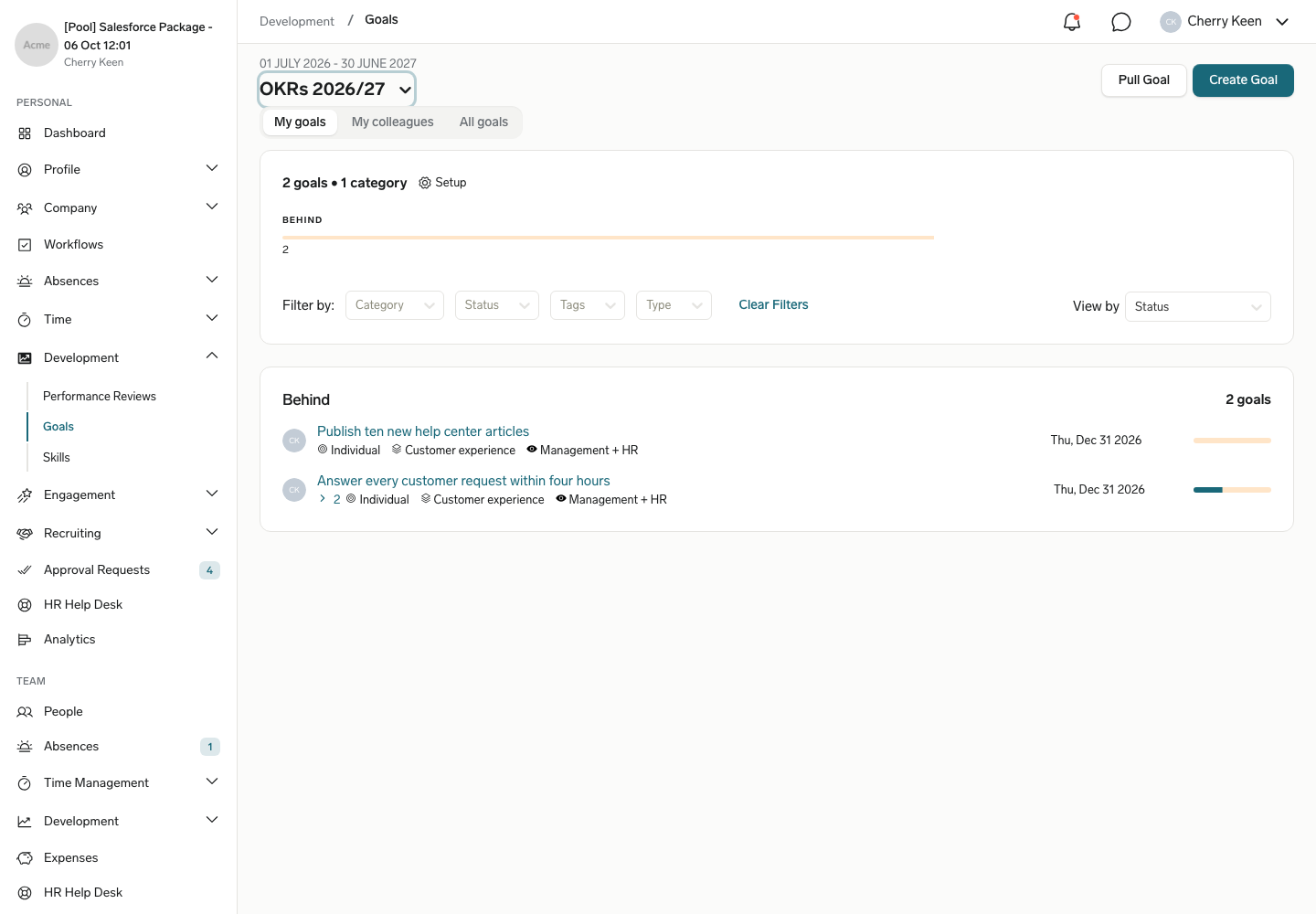
- Manage Goals — create company, team, and individual goals with time periods, visibility, metrics, Key Results, and progress tracking.
- Connect learning — synchronize Talent LMS users, courses, enrollments, and progress with flair.
Where it happens
HR Admins create Performance Reviews, configure the Development Framework, and connect Talent LMS in flair HR on Salesforce. Employees complete self-assessments, update Goals, and open assigned courses in the Employee Hub. Managers review team performance, Goals, skills, and learning progress in the Employee Hub.
Start here
- To create a review cycle, follow Create and run Performance Reviews.
- To configure objectives, start with Create and track Goals, and then use Configure the Development Framework for advanced rules.
- To connect learning, follow Connect Talent LMS to flair.