Send and manage Cheers
Use Cheers to recognize colleagues with a message, image, or video. This guide covers the Employee Hub experience, the flair mobile app, and the Salesforce visibility controls.
Employees use Cheers in the Employee Hub and the flair mobile app. HR Admins configure Cheers Visibility in Salesforce.
Send a Cheer
-
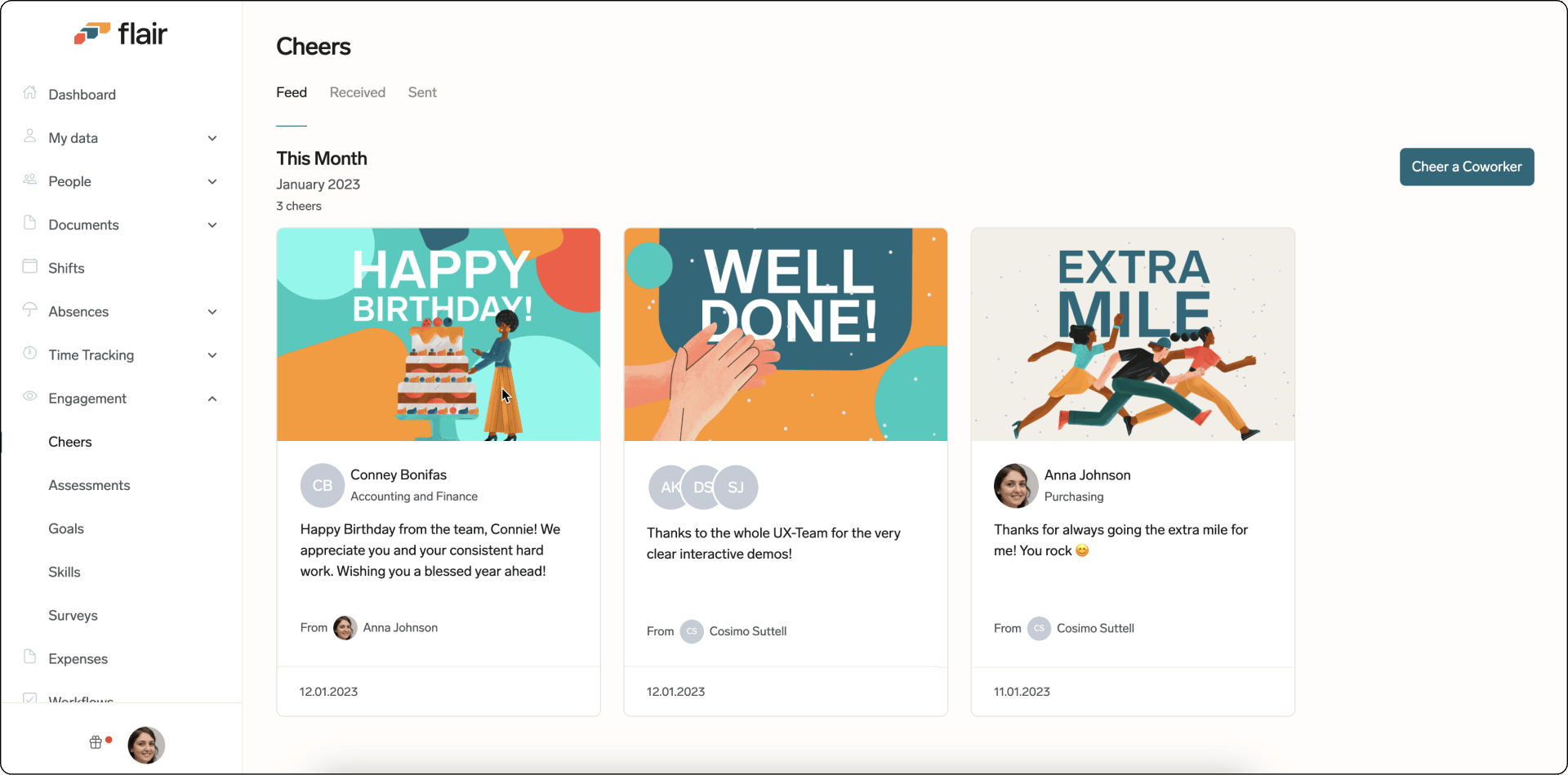
In the Employee Hub, open Engagement. The Cheers feed shows your sent and received Cheers.
-
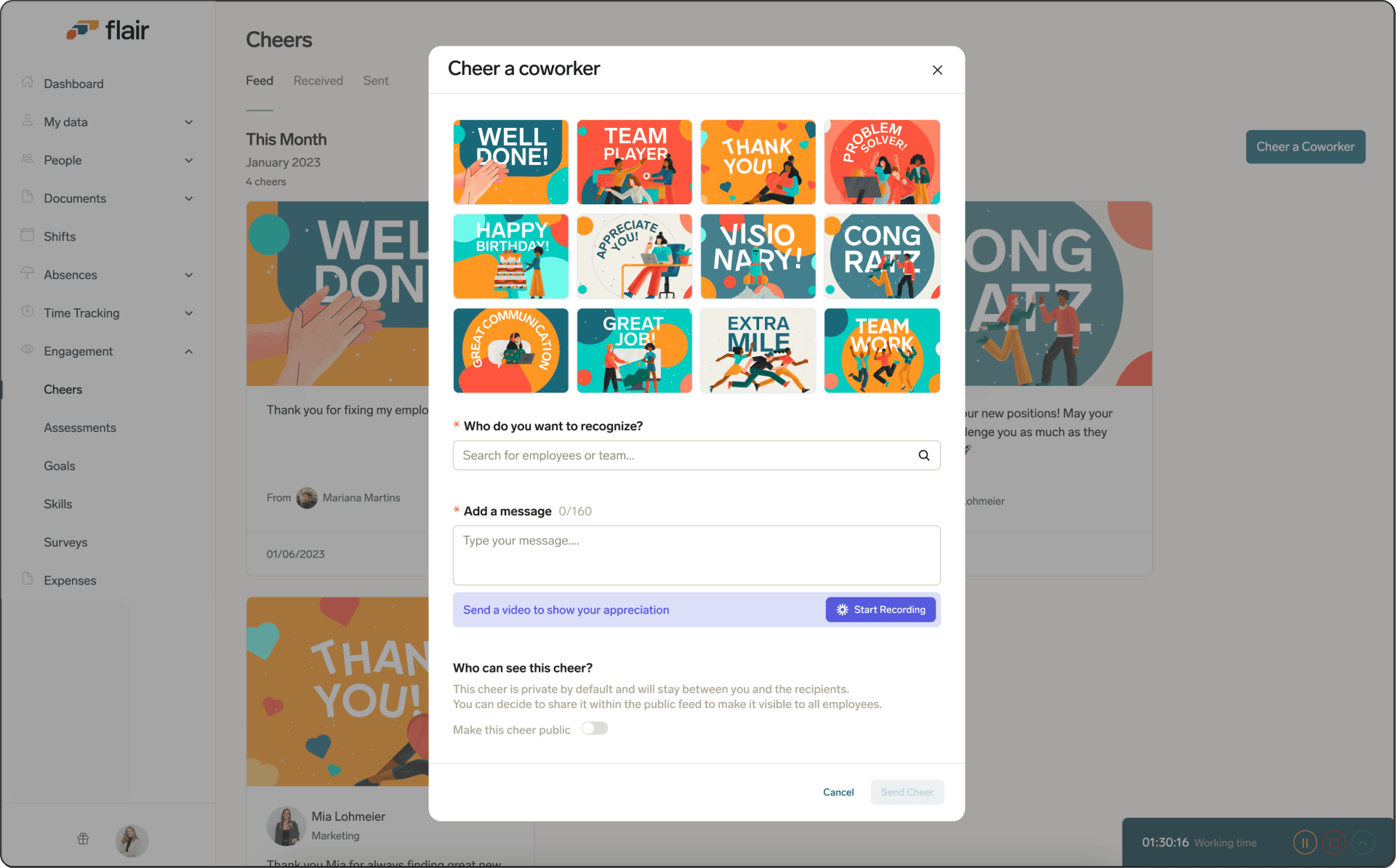
Click Cheer a Coworker.
-
Select a provided image, or record a personal video message.
-
Select the recipient, and enter a short message.
-
Choose whether the Cheer is public in the feed or only viewable by the colleague.
-
Send the Cheer. It appears for the selected recipient with the chosen visibility.
View a received Cheer
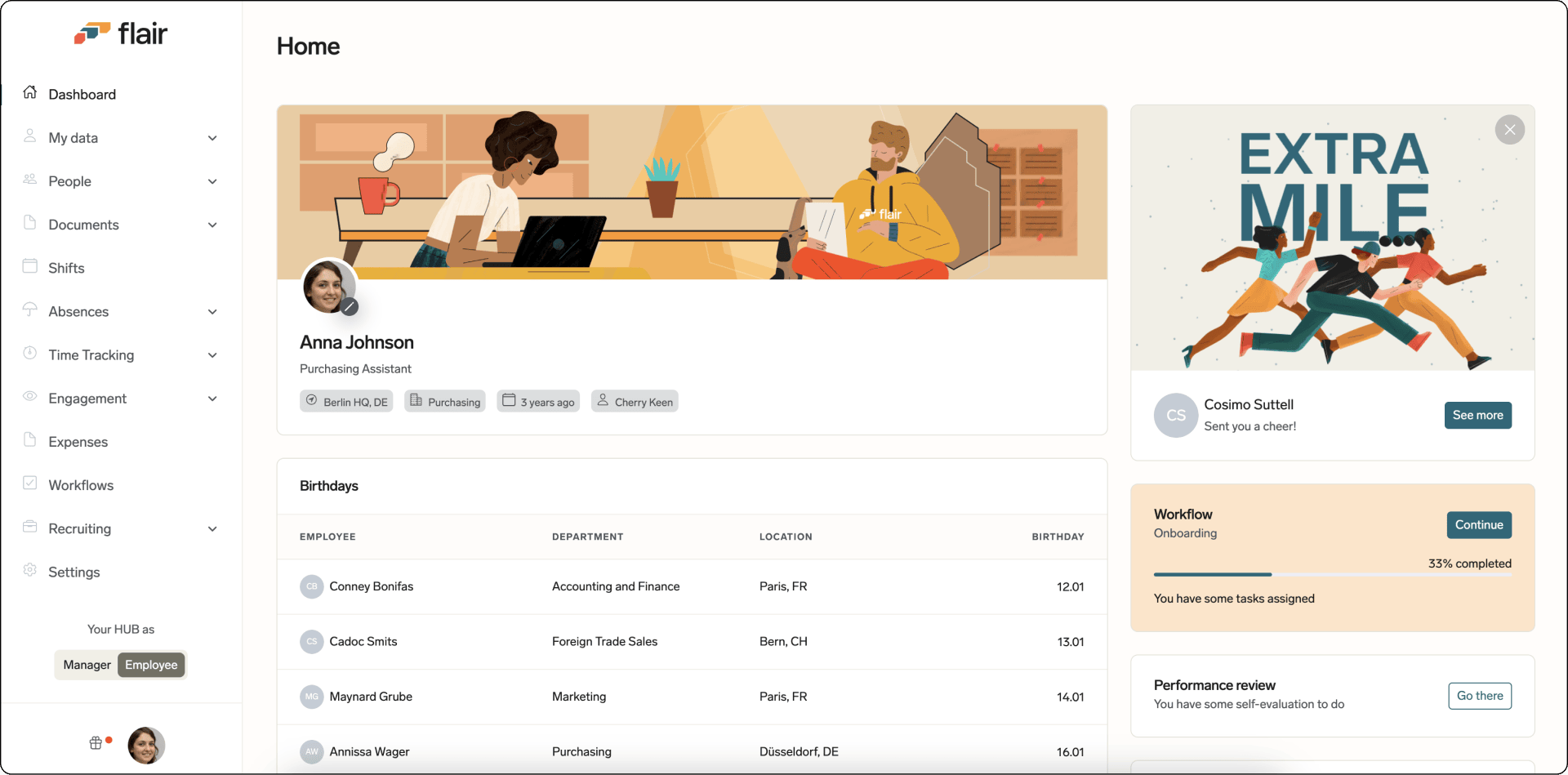
Received Cheers appear on your Employee Hub dashboard. flair also sends you an email notification.
Comment on a Cheer
- On a Cheer in the Employee Hub, open Comments.
- Enter a comment with optional emojis, links, images, or files.
- Press Enter. Your comment appears on the Cheer.
View Cheers on mobile
The Cheers card on the dashboard of the flair mobile app shows the latest Cheers. The card and the Cheer a Coworker action don't appear when Hide Cheers is enabled. See Configure the Employee Hub.
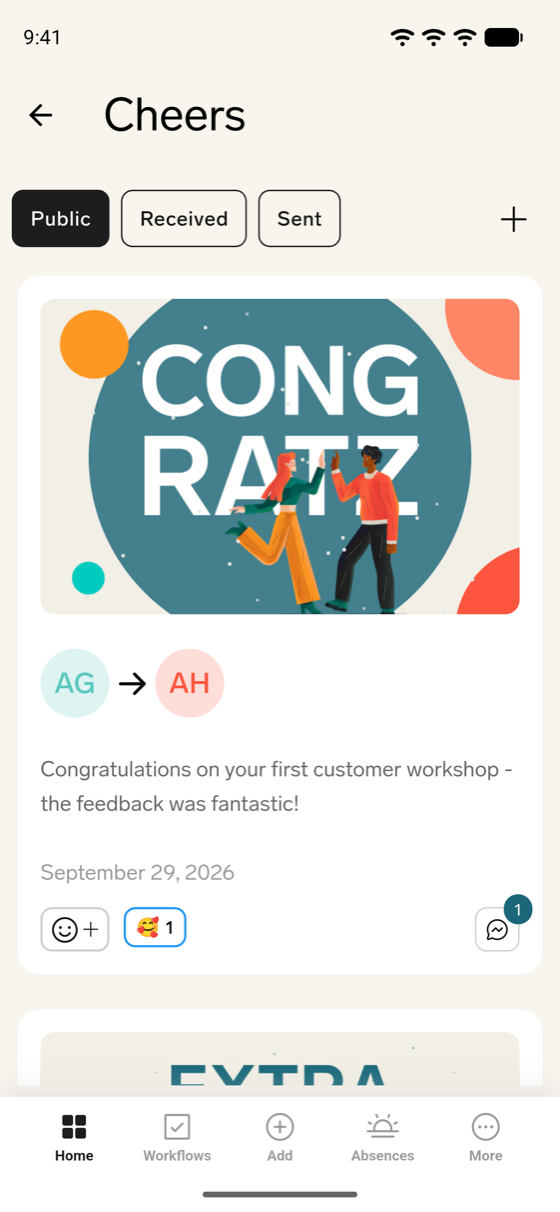
- On the dashboard, tap Cheers. The Cheers feed opens on Public.
- To switch the feed, tap Public, Received, or Sent.
- Public — Cheers shared in the public feed, plus private Cheers sent to you.
- Received — Every Cheer sent to you, public or private.
- Sent — Cheers you sent.
- To refresh the feed, pull down on the list.
Send a Cheer on mobile
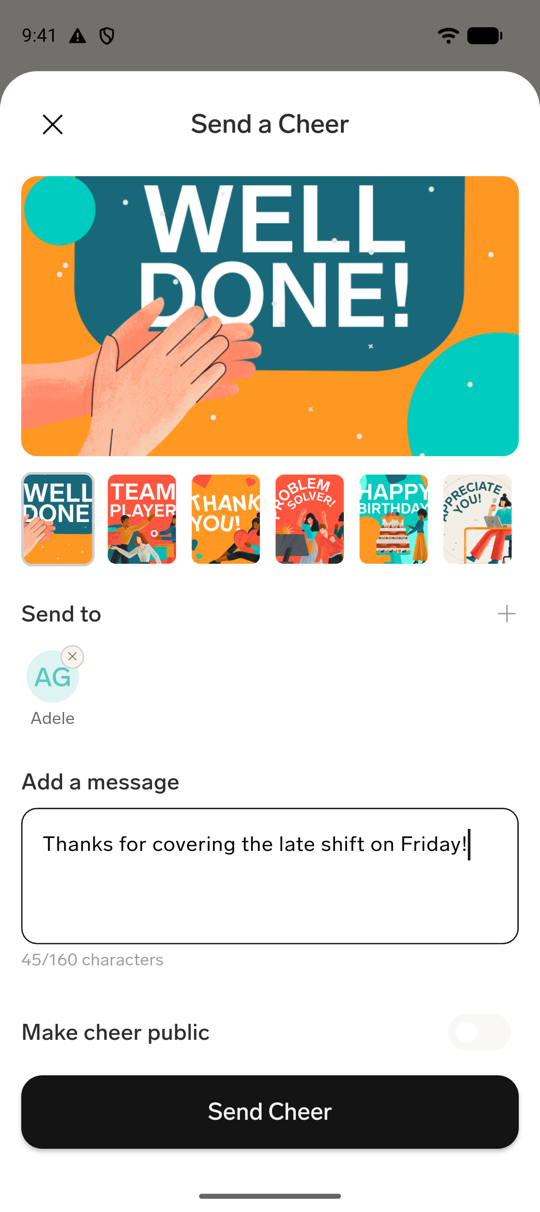
- In the flair mobile app, open Cheers, then tap the plus icon. Or tap Add in the bottom navigation, and tap Cheer a Coworker.
- Select a provided image. Recording a video message isn't available on mobile.
- Tap Add recipients, select one or more employees or teams, and confirm.
- Optional: add a message, up to 160 characters.
- The Cheer is private by default, visible only to you and the recipient. Turn on Make cheer public to share it in the public feed instead.
- Tap Send Cheer.
Comment on a Cheer on mobile
Each Cheer in the feed has a comment icon with the number of comments next to its emoji reactions. The same Comments panel is also available elsewhere in the app, for example on absences, expenses, timesheet days, and workflow tasks.
Add a comment
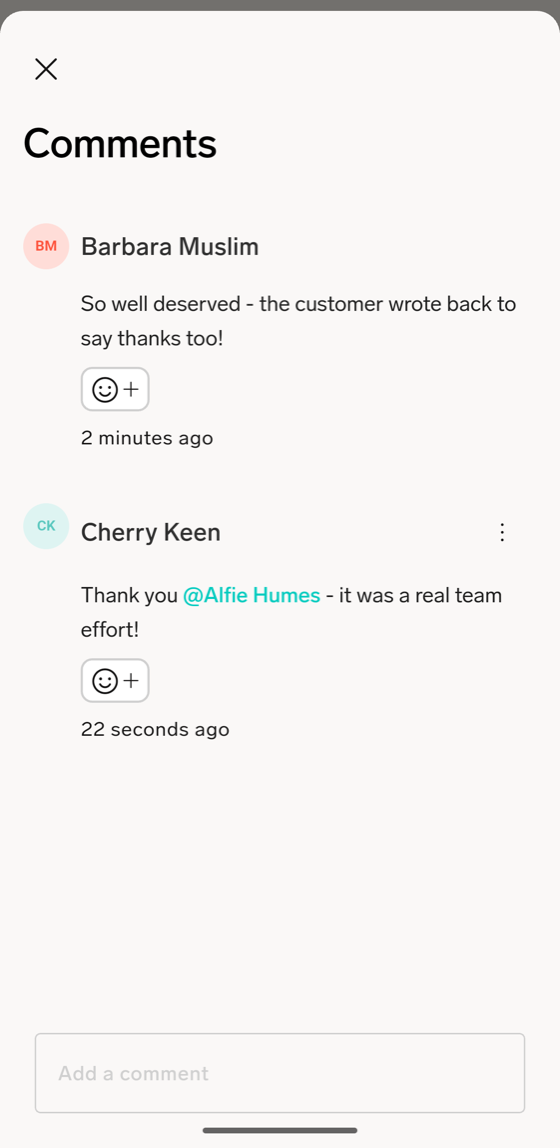
- In the flair mobile app, open Cheers, and on a Cheer, tap the comment icon. Comments opens with the existing comments.
- Tap Add a comment, and enter your comment.
- Optional: To mention a colleague, type
@followed by the start of their name, and tap them in the list. - Optional: To attach a file, tap the paperclip icon, and choose Upload file, Select from library, or Take photo. You can attach up to 2 files, with a combined size of up to 5 MB.
- Tap the arrow button to send. Your comment appears in the list.
Edit or delete your comment
You can edit or delete only your own comments.
- On your comment, tap the three-dot menu.
- To change the text, tap Edit, update the comment, and tap the arrow button to save.
- To remove the comment, tap Delete. The comment is removed right away, without a confirmation.
React with an emoji
- On a Cheer or a comment, tap the smiley icon, and pick an emoji. Tap an emoji that's already shown to add or remove your own reaction.
To see who reacted, touch and hold the reactions.
Delete a Cheer on mobile
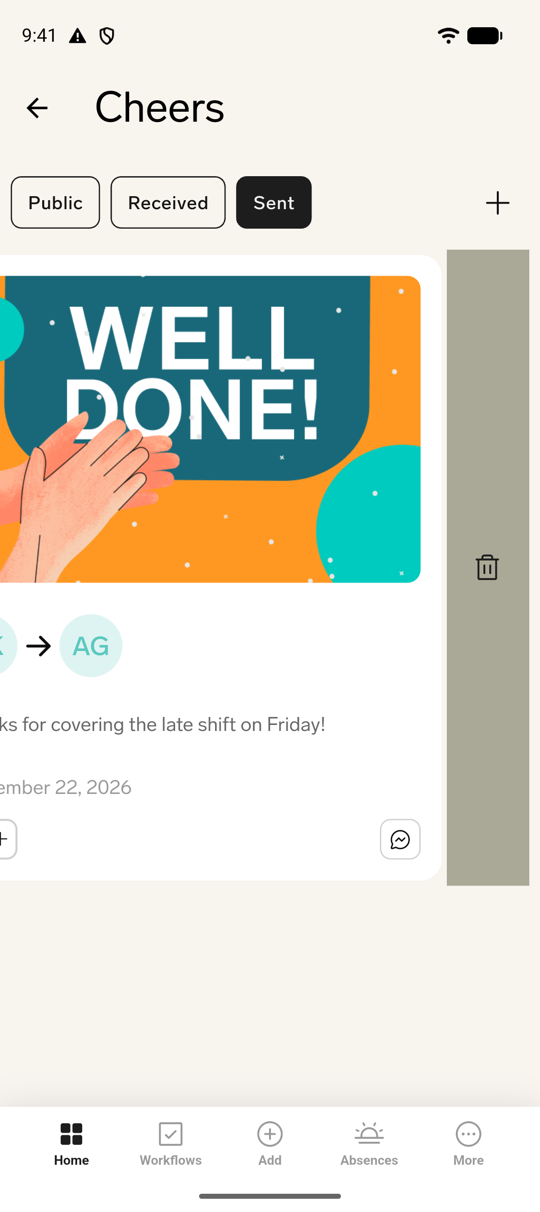
You can delete a Cheer you sent, from the Cheers feed. Deleting isn't available for Cheers someone sent to you, and there's no time limit on when you can delete your own.
- In the flair mobile app, on a Cheer you sent, swipe left or right to reveal the delete action.
- Tap it, then confirm at Delete cheer?. This action can't be undone.
Configure Cheers Visibility
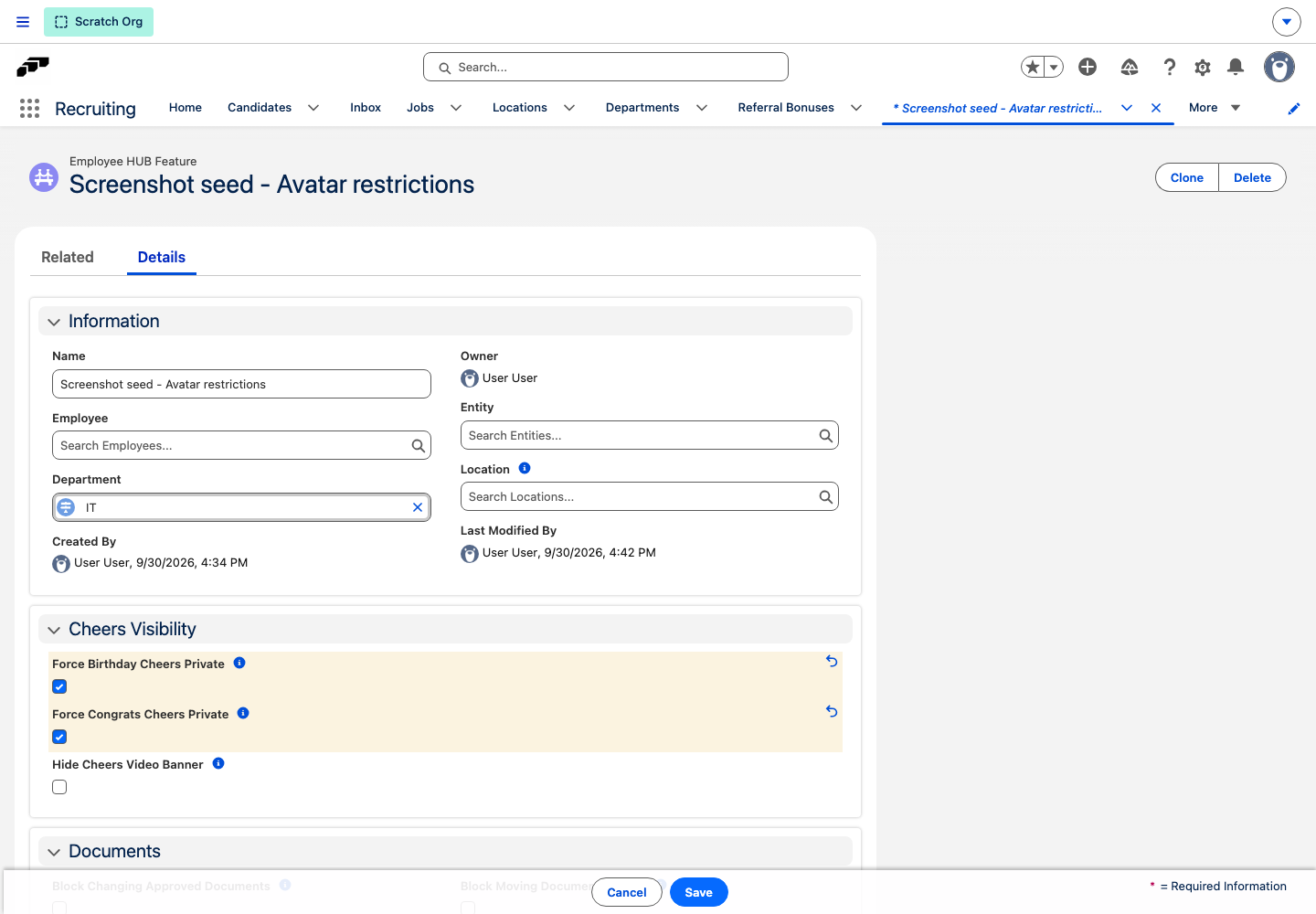
On the Employee HUB Feature record in Salesforce, use Cheers Visibility to control celebration Cheers and video prompts.
Keep celebration Cheers private
- Force Birthday Cheers Private — delivers birthday Cheers from the birthday dashboard widget only to the sender and recipient. The composer replaces the visibility control with an explanation.
- Force Congrats Cheers Private — keeps Cheers that use the default Anniversaries widget image private.
These settings prevent automatic celebration posts from filling the shared Cheers feed.
Hide the Loom video banner
- Enable Hide Cheers Video Banner to remove the Loom preview and Send a video from the composer. Celebration Cheers use the static image instead.