Set up email login for the Employee Hub
Enable an Employee Hub login option that lets employees enter their company email address and receive a secure login link. Employees can use this option alongside other enabled login methods.
Who can use this?
Salesforce Admins configure the login option in Salesforce. Employees use it on the Employee Hub sign-in page.
Before you begin
- Confirm that the Employee Hub is enabled for your organization.
- Make sure you can manage Hub SAML Configurations (also labeled Hub Authentication Options) in the flair HR app.
- Make sure each employee who uses this option has a company email address on their employee record.
- Enable at least one other login option. To keep password login available, create another record with Type
PASSWORD; anEMAILrecord alone leaves the password form as the only login form.
Enable email login
- In the flair HR app, open the App Launcher (⋮⋮ grid icon).
- Open Hub SAML Configurations (also labeled Hub Authentication Options).
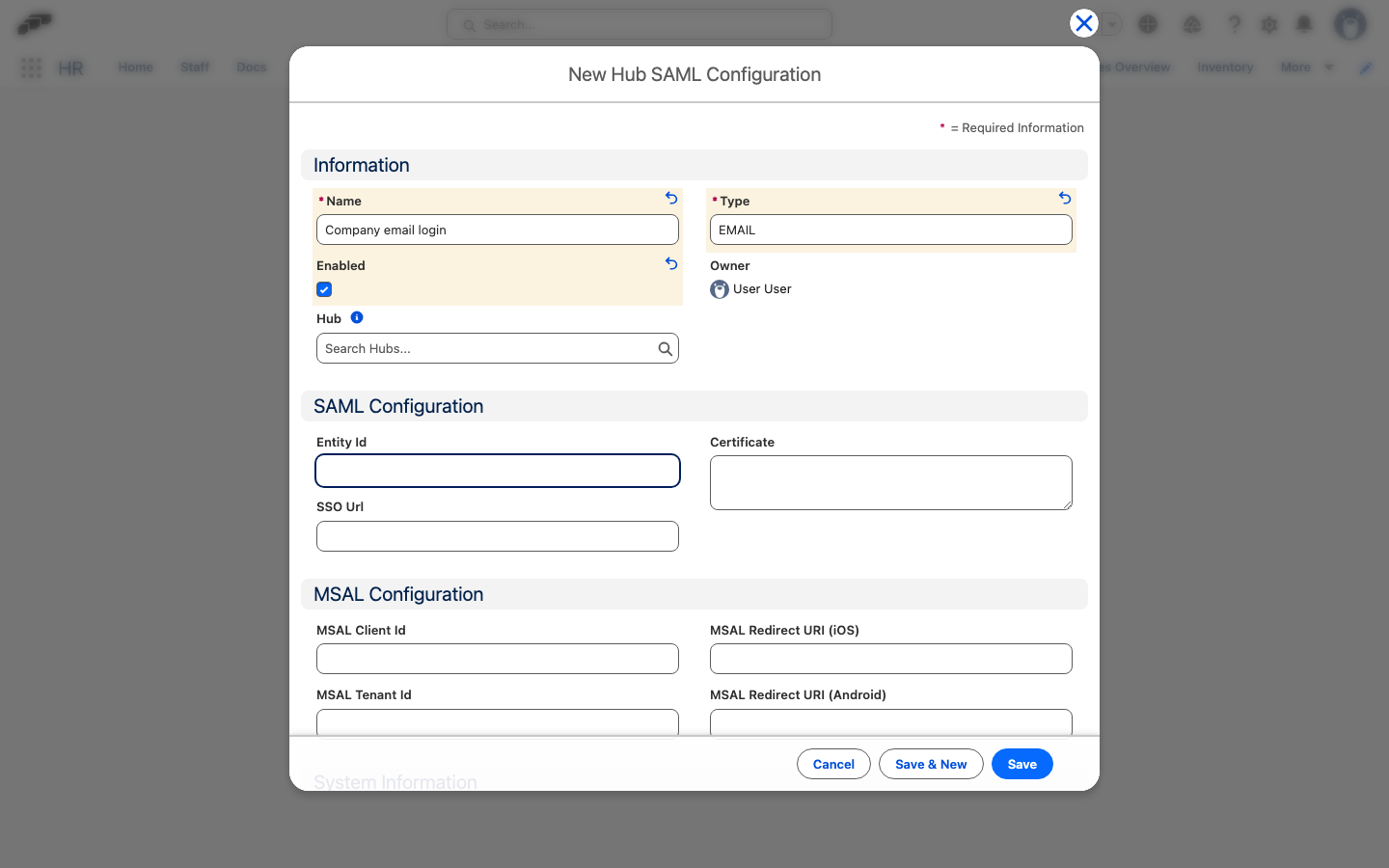
- Click New.
- In Name, enter a name such as
Company email login. - In Type, enter the uppercase value
EMAIL. The value is case-sensitive, and the field defaults toSAML. - Select Enabled.
- Optional: If your organization has multiple Employee Hubs, select a Hub to show this option on one Hub only. Leave Hub empty to show it on every Hub.
- Click Save. The Login with Email option becomes available on the selected Employee Hub sign-in page.
For an EMAIL record, you do not need to enter SAML-specific fields. If you configure SAML and email together, add a separate record with Type PASSWORD to keep password login available.
Sign in with a company email address
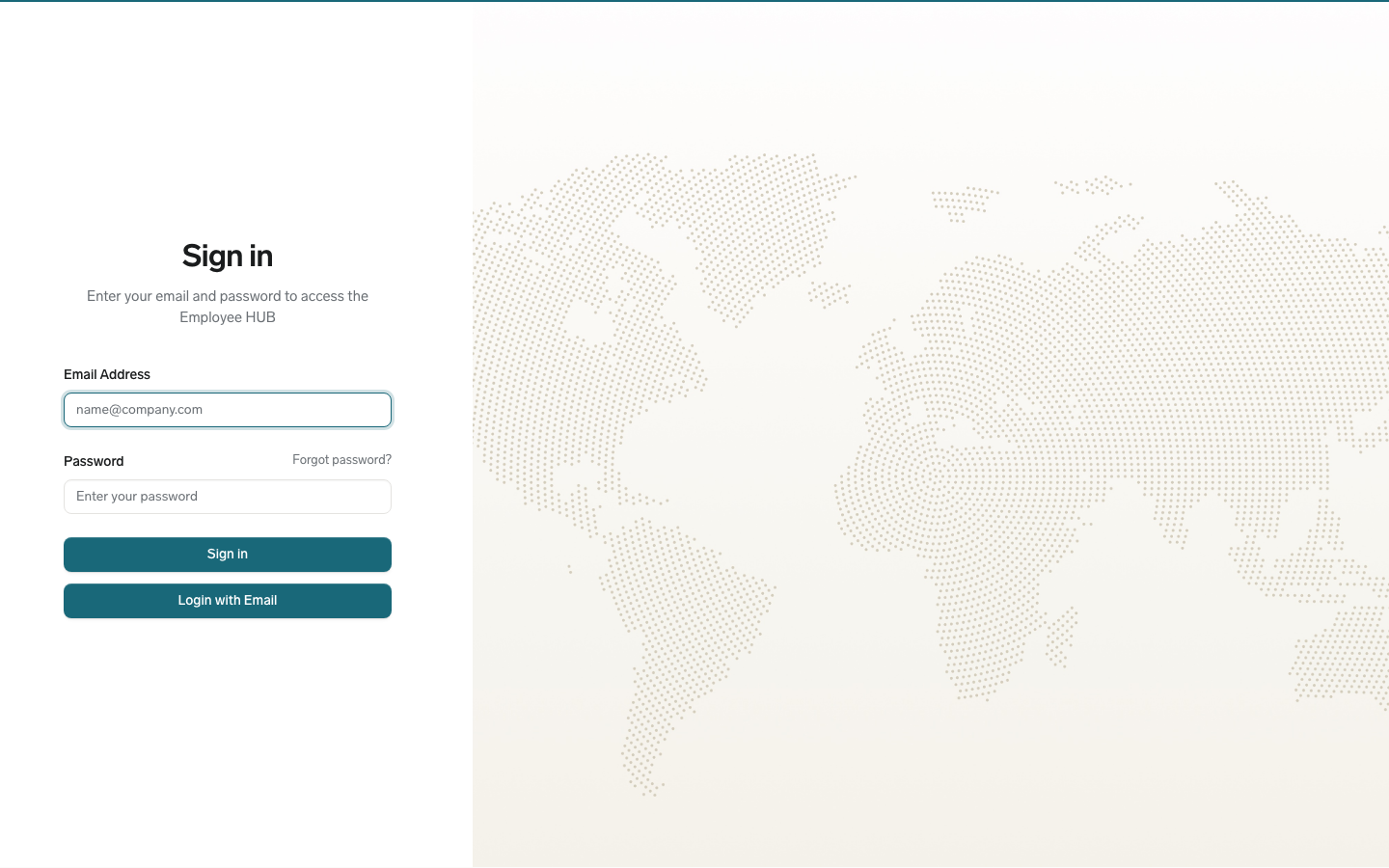
- Open your organization's Employee Hub sign-in page.
- Click Login with Email.
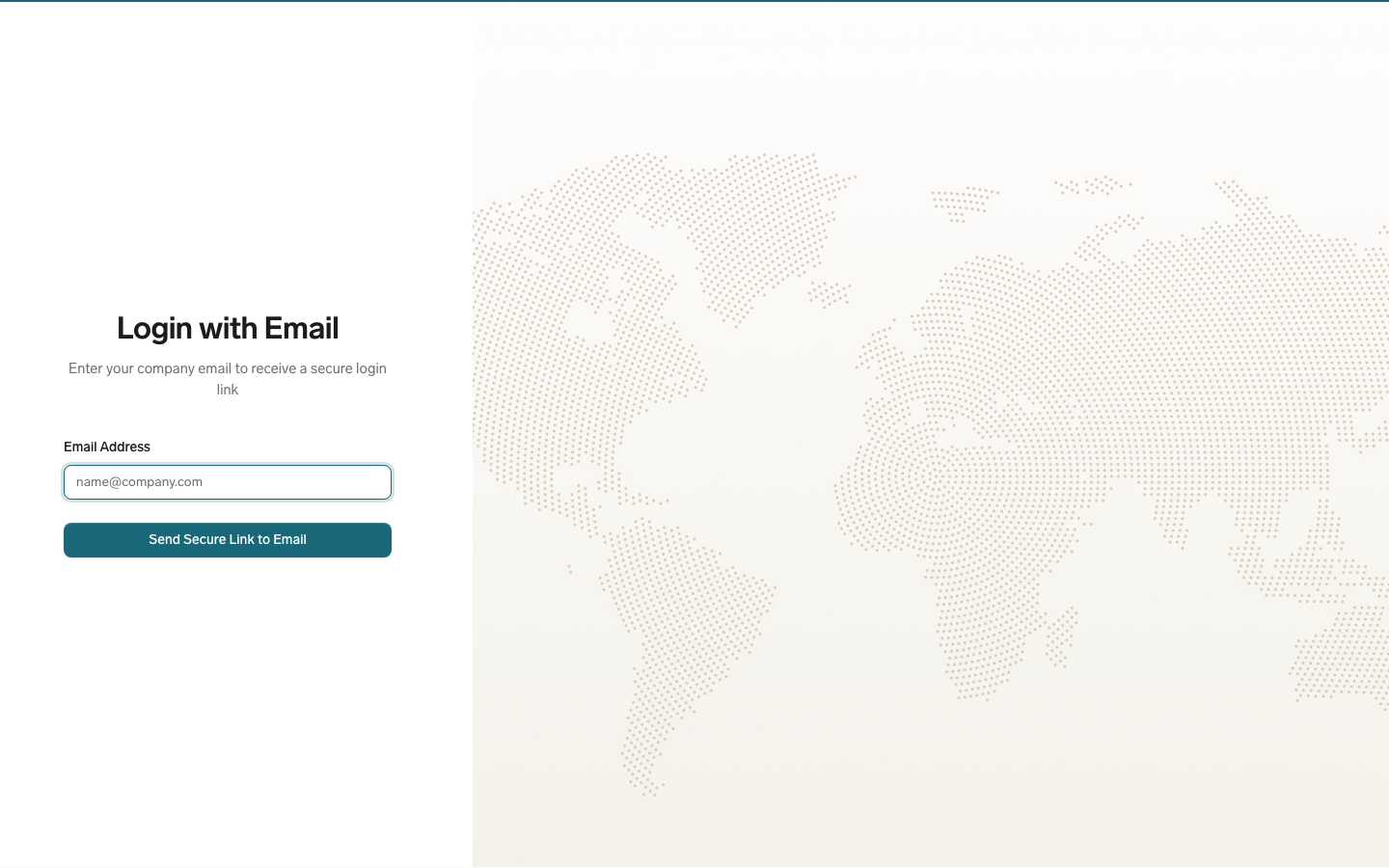
- In Email Address, enter your company email address.
- Click Send Secure Link to Email. flair confirms that a secure login link was sent.
- Open the email and follow the secure login link.
Use the organization's Hub address rather than the shared Hub address. On a shared Hub address, flair redirects you to the company picker before email login can continue.