MSBC (SwissSalary) Integration
flair connects to Microsoft Business Central running SwissSalary so payroll documents — payslips above all — are pulled into flair and filed on the employee. It is the Swiss counterpart to the DATEV Integration.
If you run payroll in Business Central with SwissSalary, this article shows you how to connect it to flair and how payroll documents come across.
Connecting flair to Business Central
To add the integration:
- In Salesforce, open the HR Admin tab.
- Go to Integrations.
- Add the MSBC (SwissSalary) integration.
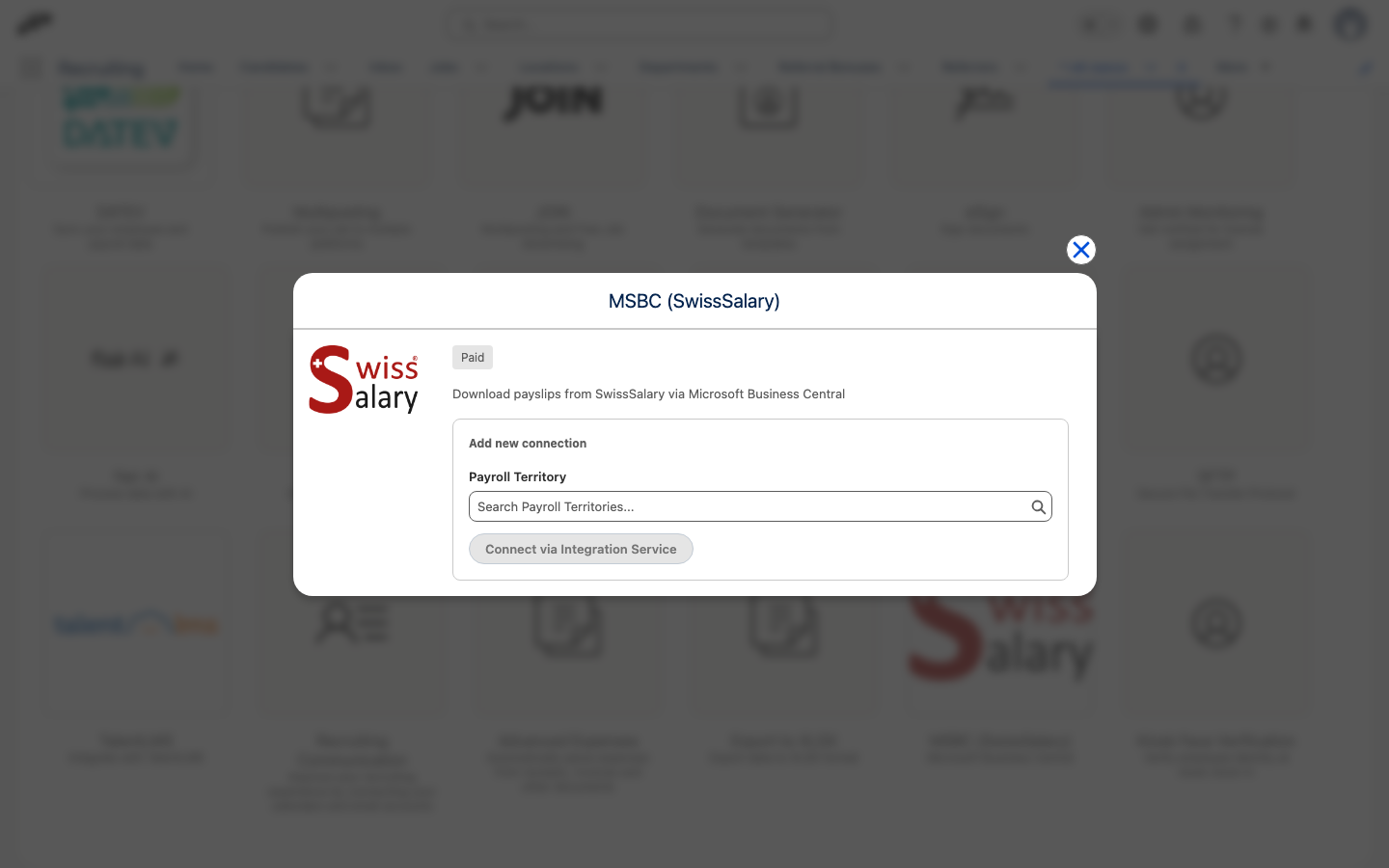
The integration authenticates with OAuth credentials, so you supply the values issued for your Business Central environment:
- Client ID
- Client Secret
- URL
- Tenant ID
Then use the connection test to confirm flair can reach your Business Central environment before going further.
How Documents Come Across
flair reads two things from Business Central:
Employee Dossiers
Employee dossiers are the documents stored against each employee in Business Central — payslips above all. When you are deciding which dossiers to bring across, you can narrow the selection by:
- document type
- employee number
- payroll number
Payroll Log Entries
Payroll log entries are the payroll runs themselves. They can optionally be limited to a date range.
Limiting the entries to a date range helps with matching a dossier to the payroll run it belongs to.
Downloading Dossiers
You pick the dossiers you want, and flair downloads them in the background, filing them as employee documents.
Downloads Run in the Background
Because the download is asynchronous, large selections keep processing after you leave the page. There is no need to wait on the page while the files come across.
History of Previous Mass Uploads
flair keeps a history of previous mass uploads, so you can see what was imported.
What the Integration Does
The MSBC (SwissSalary) integration is used for downloading payroll documents into flair.
The dossiers you select are retrieved from Business Central and filed on the employee as employee documents.